34 3534 35
1. After selecting the scene type, press the button to
activate.
2. After setting the option, press the
button to conrm
the setting and enter the selected Scene Selection mode
for shooting.
The main function menu also allows you to adjust the image
quality and image size. Please refer to the "Advanced
Functions Menu" section on page 21 for detailed
instructions.
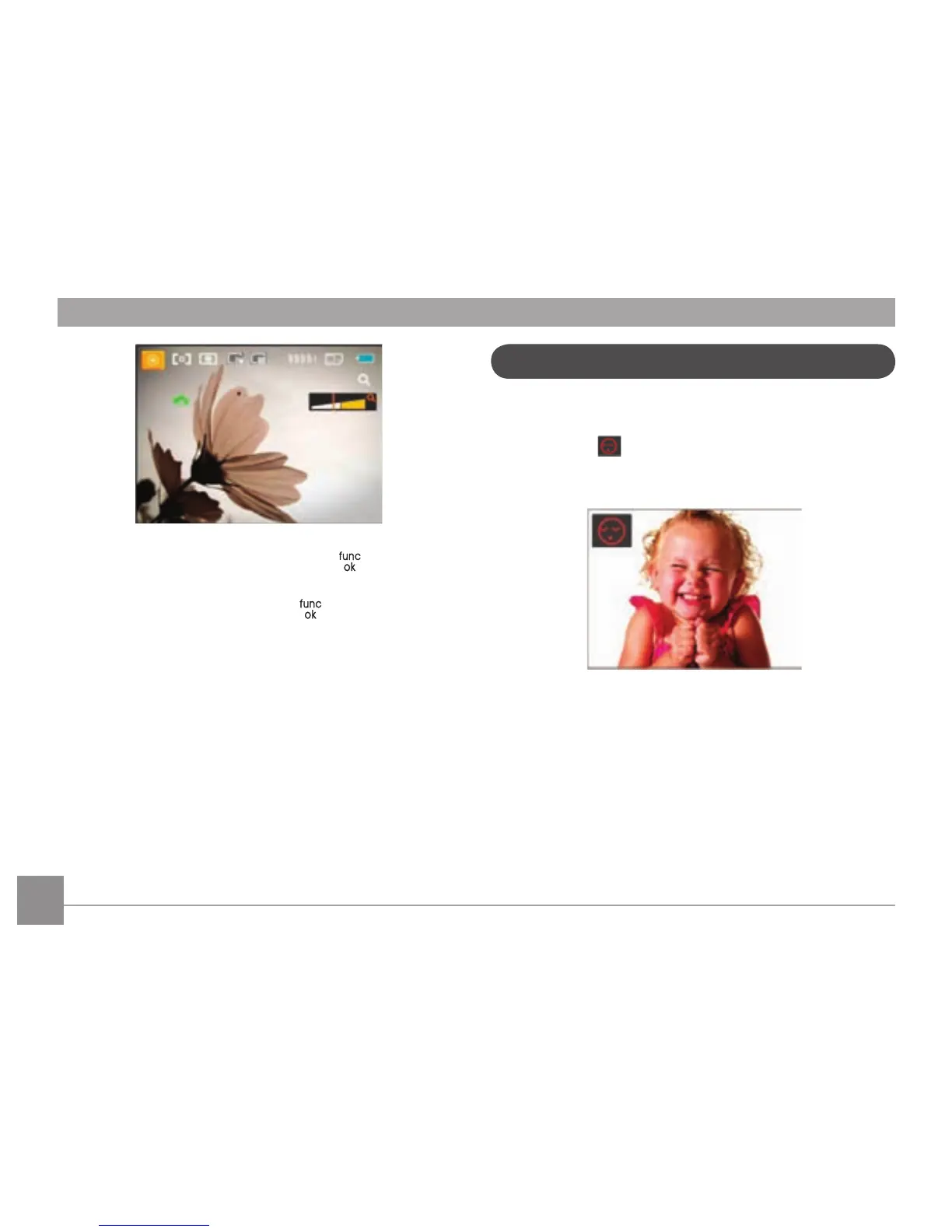
Blink Detection is enabled by default unless disabled by the
user. When shooting, if a face is detected its eyes closed, the
Blink Detection
will appear on the screen to show that a
blink was detected.
Blink Detection



 To Next Page