23
Quality
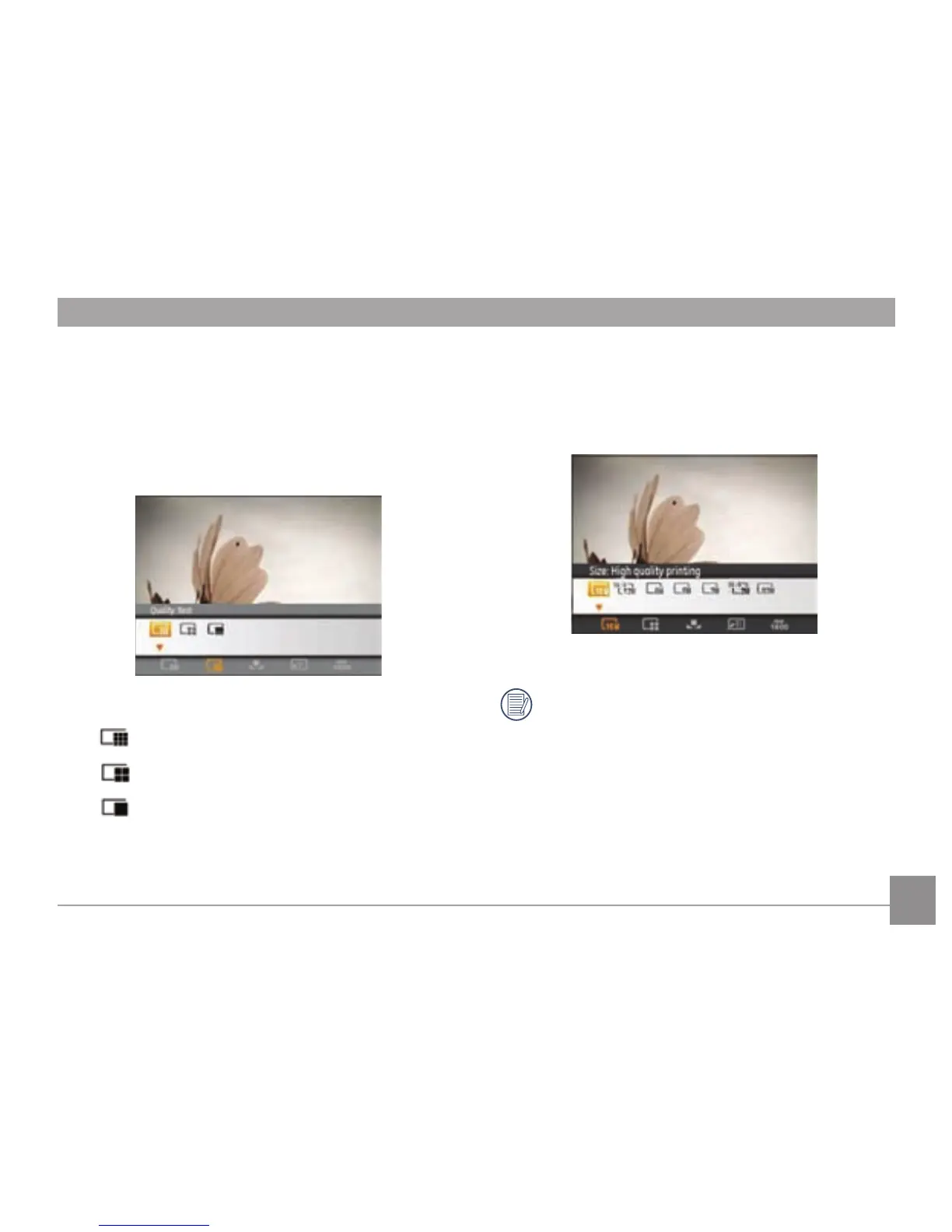
The quality setting determines how much the camera
compresses the photo les. The higher the compression, the
smaller the le size will be, but the quality will decrease. The
lower the compression, the larger the le size, but the better
the quality.
The three levels of compression are:
•
:
Quality: Best
•
:
Quality: Fine
•
:
Quality: Normal
Size
The size setting refers to the image resolution in pixels. A
higher image resolution allows you to print that image in
larger sizes without degrading the image quality.
The larger the pictures are, the bigger the le sizes are
and the less pictures you can store on a memory card.



 To Next Page