38 39
4. Use the Up/Down/Left/Right button to select a picture or
video clip, press the button to return to the original
size.
The Date Folder is displayed in order based on the
shooting date.
If the
indicator appears on the LCD, then a movie
le is currently being displayed.
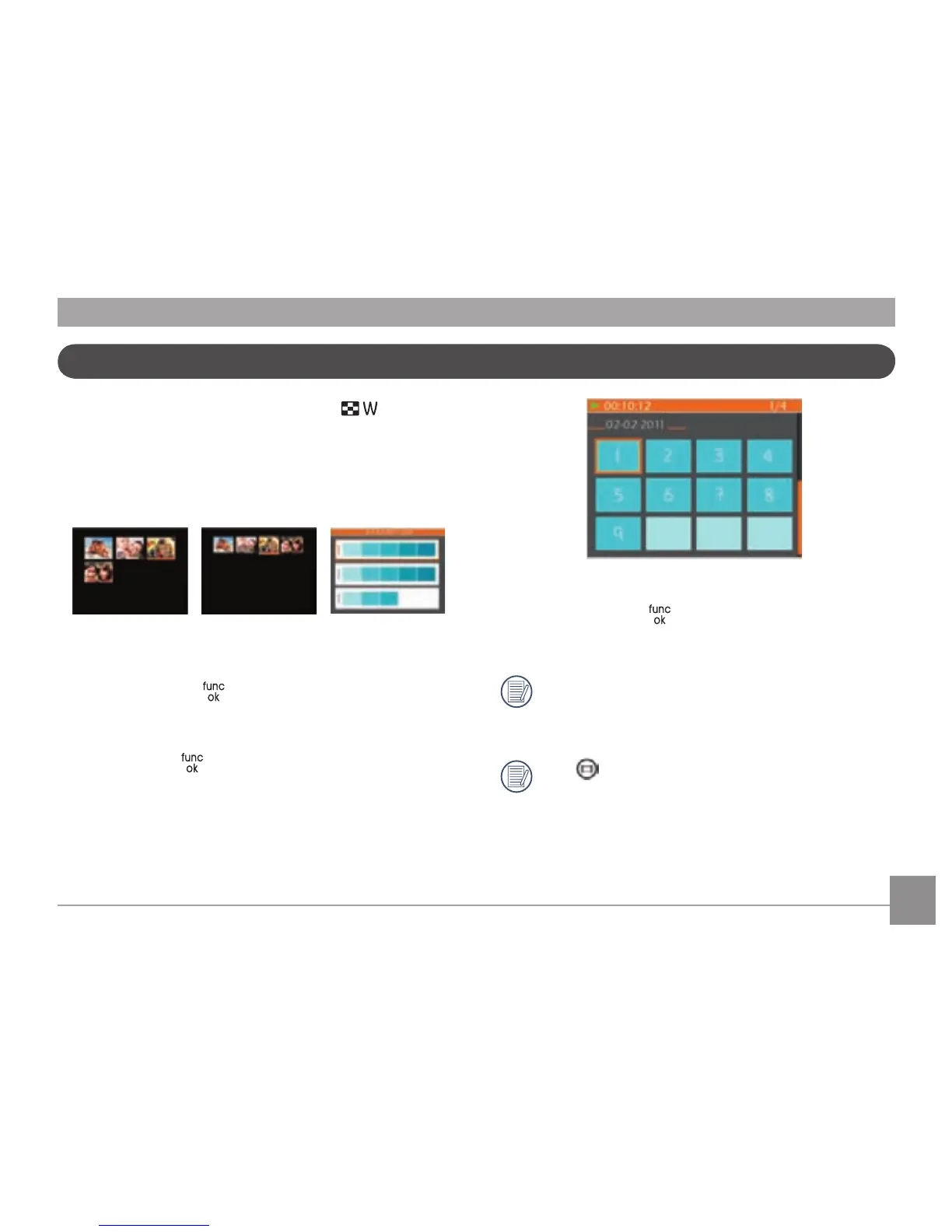
Thumbnail View
In Playback mode, toggle the zoom lever to ( ) and
thumbnails of your photos and videos will display on the
screen.
1. With each press of the zoom lever either 3x3, 4x4 or date
folder thumbnails will display.
2. When 3x3 and 4x4 thumbnails are displayed, use the Up/
Down/Left/Right button to select a picture or video clip for
viewing; press the
button to return to the original size.
3. When date folder thumbnails are displayed, use the Up/
Down button to select the date folder you want to view.
Then press the
button to enter the folder and view its
images.



 To Next Page