GE HEALTHCAREDRAFT LOGIQ™ S7 EXPERT/PRO
DIRECTION 5460683, REVISION 3 DRAFT (JUNE 25, 2014) SERVICE MANUAL
Chapter 4 - Functional Checks 4-24
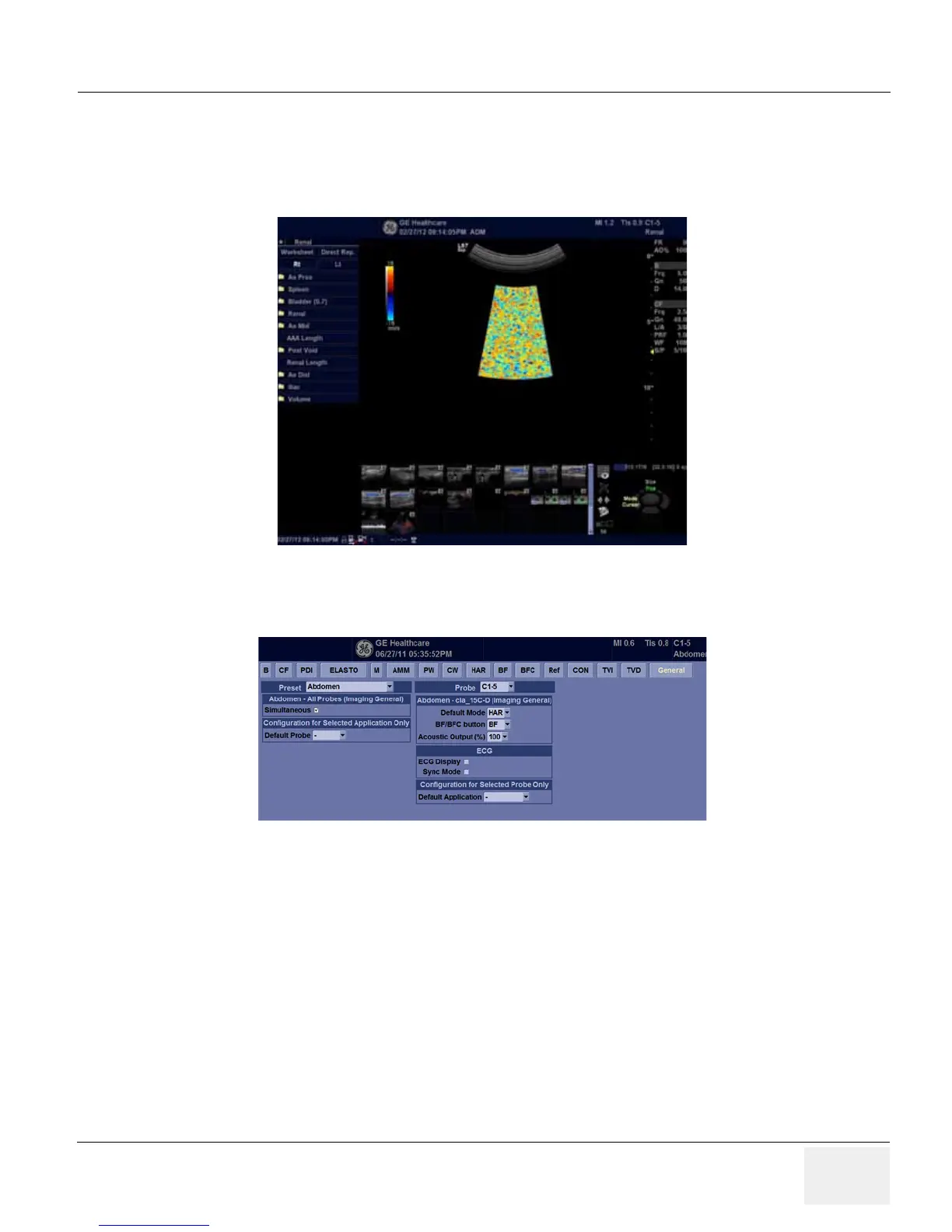
4-3-7-3 Color Flow-Mode
1.) Press CF Mode button.
2.) Increase CF Gain until noise floor shows up.
3.) Verify no vertical “streaks” of color that significantly contrasts the surrounding color.
Figure 4-22 Color Flow-Mode
4-3-7-4 Pulse Doppler Mode
Figure 4-23
1.) From Utility -> Imaging -> General, verify check on “Simultaneous”.
2.) Press B Mode button.
3.) Press PW Mode Button.
4.) Verify that system scan B/PW duplex with the activated probe.



 To Next Page
 Loading...









