After a
clean cycle
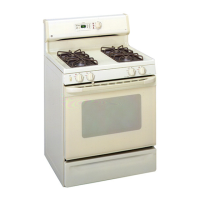
Self-Cleaning Oven
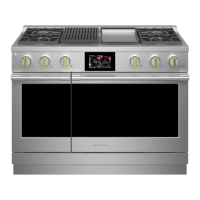
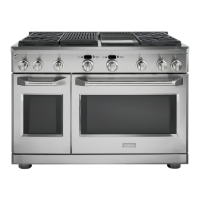
Professional All-Gas Range
Youmay notice somewhite ash inthe oven.Wipe
it up with a damp cloth after the oven cools.
If white spots remain,removethem with warm sudsy
water and rinsethoroughly with a vinegar andwater
mixture.Thesedepositsare usuallya salt residuethat
cannot be removedby the clean cycle.
Ifthe oven is not clean after onecleon cycle,repeat
the cycle.
Timer
NOTE: The timer is independent of ell the other
functions and does not control the oven.
To set the timer:
1. Push the TIMER button.
2. Turn the Mini-Knob to adjust any length of
time up to 12 hours and push to select it.
On double oven models, each oven control has
its own timer function. Eachtimer can be set
independently.
The control will beep with 1 minute remaining
and the disptoy will show seconds until the timer
counts down to :00.When the timer reaches
:00,the control will beep 3 times followed by
one beep every 6 seconds until the Mini-Knob is
pushed.
To cancel the timer:
1. Push the TIMER button.
2. Turn the Mini-Knob to :00 and push to select.
To adjust the timer after start:
1. Push the TIMER button.
2. Turn the Mini-Knob to o new desired time and
push to select.
TIMER 0 O) PUSH TO
SELECT
T
Mini-Knob
Turn to adjust
Push to select
NOTE:Thetimer cannot be used while the oven is
self-cleaning. (Ondouble oven models, the timer
for the oven that is not in the self-cleaning mode
may be used.}
27



 To Next Page
 Loading...