Page 11
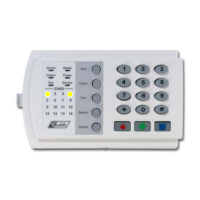
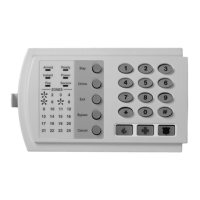
PROGRAMMING EXAMPLE – Figure 1 (Numerical Data)
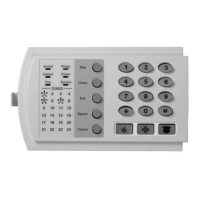
Zone 1 LED = 1
Zone 4 LED = 8
}
Data = 9
To change data in a
segment, enter the data
followed by []
Enters the previous
programming “location”.
Zone 2 LED = 2
Zone 7 LED = 64
}
Data = 66
Returns to the “location” just
programmed.
programming “location”.
Pressing [#] will exit
a location without
changing the data in
the current segment.
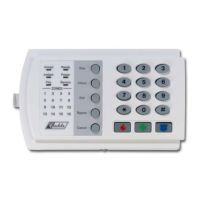
PROGRAMMING EXAMPLE – FIGURE 2
(Feature Selection Data)
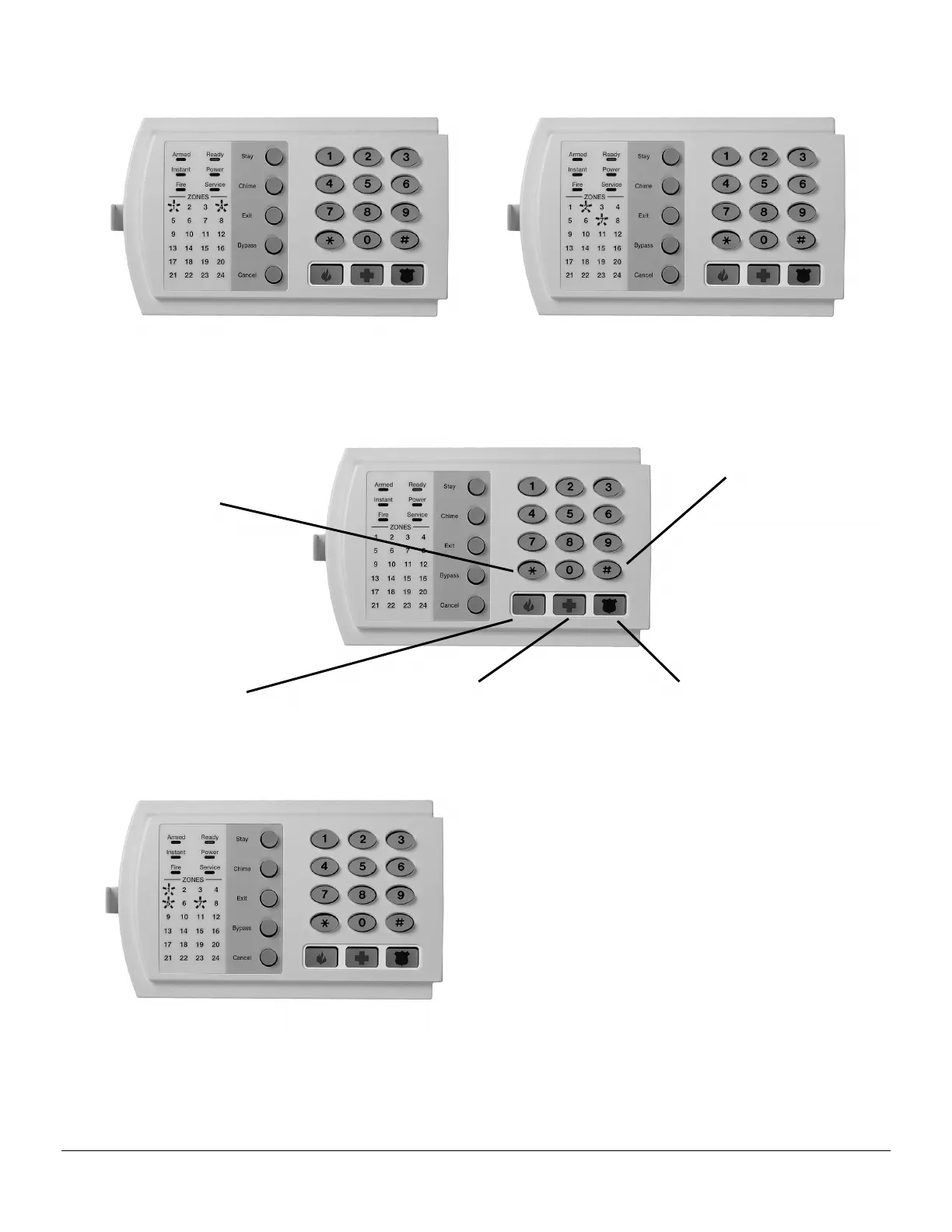
Location 23 Segment 1
1 = Quick Arm
2 = Re-Exit
3 = Auto Bypass
4 = Silent Keypad Panic
5 = Audible Keypad Panic
6 = Keypad Auxiliary 1
7 = Keypad Auxiliary 2
8 = Multi-Keypad Tamper
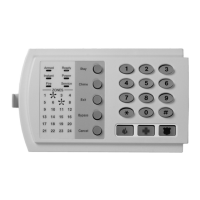
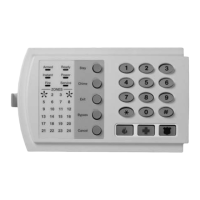
Press the key on the numeric keypad that corresponds to the feature you wish to enable/disable. When an LED is
“on, a feature is enabled; when “off” the feature is disabled. For example: With the 1, 5, & 7 LEDs “on”, Quick Arm,
Audible Keypad Panic and Keypad Auxiliary 2 are enabled.


 To Next Page
 Loading...