GE Security
g
OTHER KEYPAD FUNCTIONS
User menu
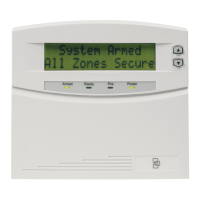
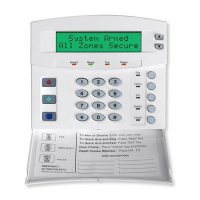
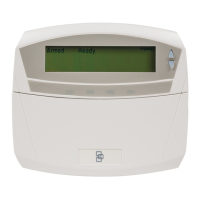
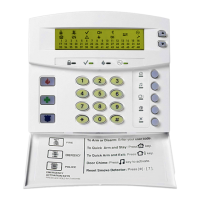
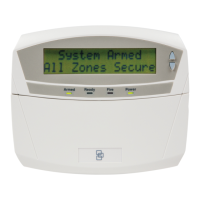
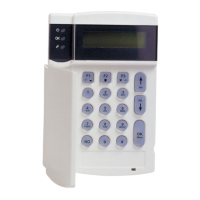
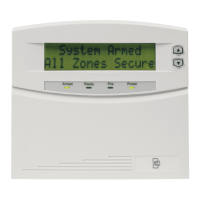
The LCD keypads /displays have a bilingual user’s interface. As a result, you can simply select a user’s
function on the menu. You can consult the menu by entering the [r] key.
To select a user’s function following steps have to be performed.
Step 1 Enter the [r] key. The display will now begin scrolling through a list of functions and the
corresponding numbers associated with those functions.
ex.
Select an option
90 = journal
Step 2 To select the option, you must press the key with the number next to the option (ex.
Consulting Log Review = option 90)
If you already know the option (ex. Log Review= 90) you can immediately select the wanted option by
pressing the [r] [9] [0] keys. By doing this you don’t have to browse through the user’s menu.
The following list of menu selections will scroll automatically.
NOTE: Some of the functions are not listed because they are installer level functions. Each time the [r] key is
pressed the next menu item will be displayed. To exit the user’s menu, press the [#] key.
Option Description English (1)
Zone Review
0 Set Tone
1 Master Mode
2 Service Check
3 Alarm Memory
41 Telephone # 1
42 Telephone # 2
43 Telephone # 3
44 Test
45 Display test
46 Light Control
49 English (2)
5 User PIN
6 User Authority
7 Detector Reset
90 Log Review
91 View Settings
97 Set Date/Time
Chime Walktest
EXIT Silent Exit
NX-148E User manual Page 15 04/10/04


 To Next Page