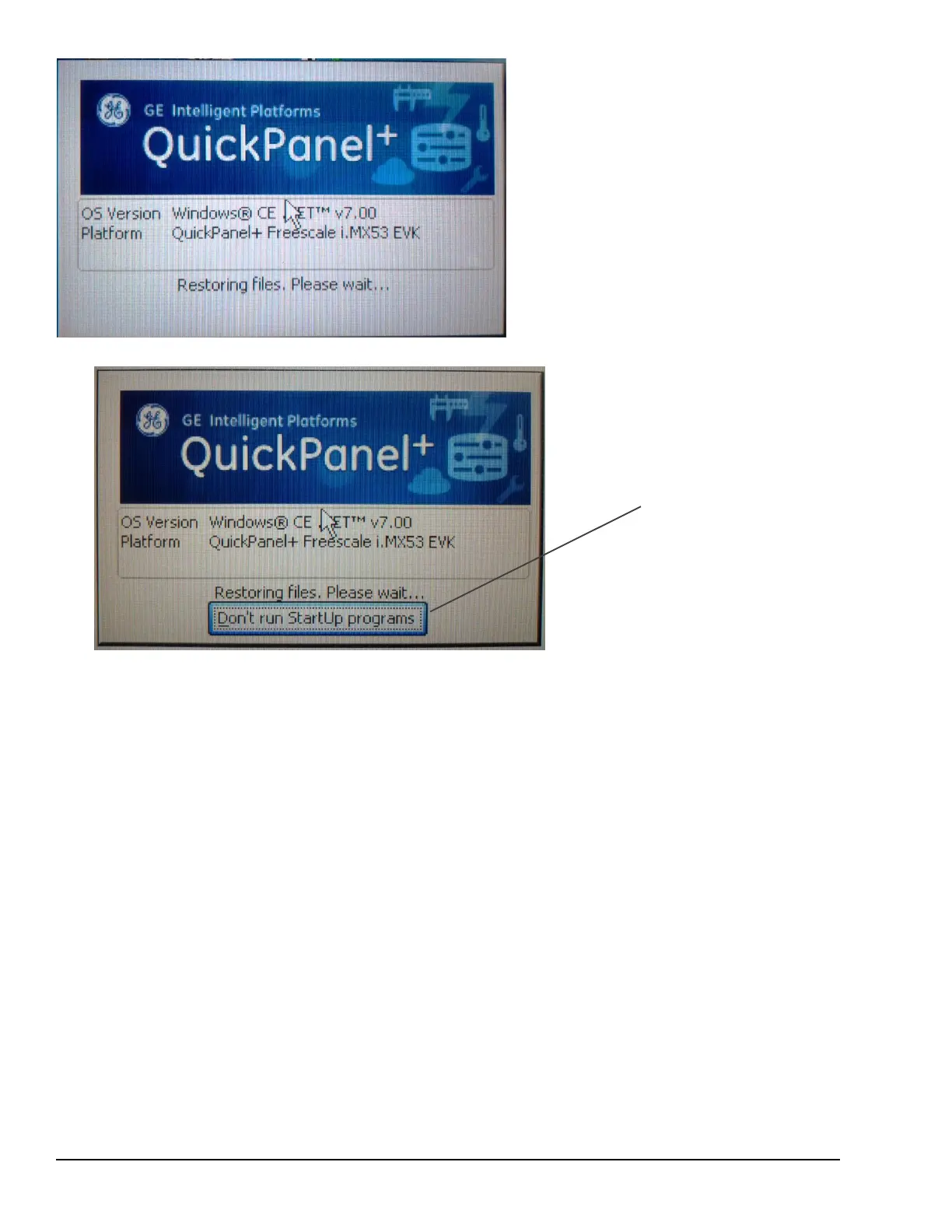
If Enable is double- tapped,
t
he startup
window displays and all startup
programs are enabled to run
.
If Disable is double- tapped, the s
t
ar
t
up
window displays . Click Don’t run Startup
programs to stop all s
t
ar
t
up programs
from running
.
If Use DIP Switch is selected, Don’t run StartUp Programs displays on the startup window based on the position of
DIP Switch 2.




 To Next Page