Chapter 2
Music controls
13
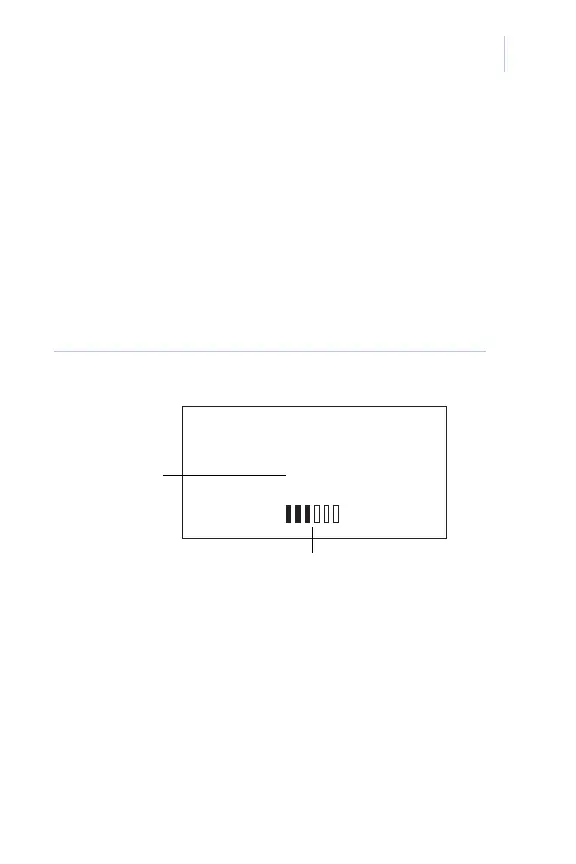
Setting music volume
When the Music screen is displayed, rotate the
knob to change the music volume. The display
will change to show the current music volume (0
to 78) and change as you rotate the knob
(Figure 3). The status bar will also show the
volume level in the bar graph.
Figure 3. Volume screen
VOLUME:32
SOURCE 1
ALL STATIONS
Music volume level
MUSIC
Music mode
indicator














 To Next Page