SmartCom Room Station
Pocket Guide
32
Monitor mode
To place a room station into monitor mode and
allow other room stations to listen in to that
room, press the Listen button twice until
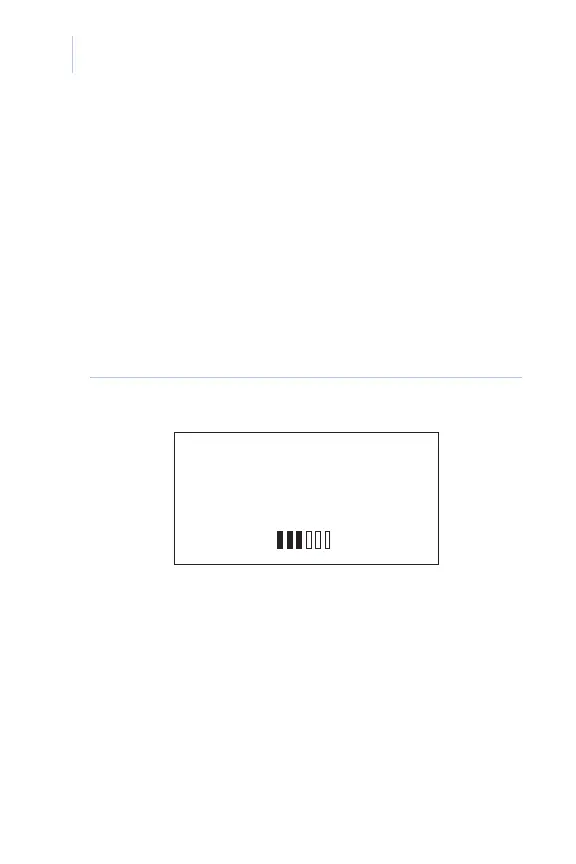
Monitor is displayed on the screen (Figure 13).
Rooms in monitor mode display
Monitor
flashing and an
Open microphone alert on the
room station.
Figure 13. Room station in monitor mode screen
To exit listen or monitor mode, press the Listen
button until OFF is displayed on the screen.
MONITOR
SOURCE 1
STATION 2
OPEN MICROPHONE














 To Next Page