SmartCom Room Station
Pocket Guide
36
Setup menu
You can use the Setup menu to adjust display,
audio, and intercom settings. The menu includes
some options that are provided for the technician
that installed your system and these options
should not be changed.
To access the Setup menu, press the top two
control buttons on the room station (Music and
Intercom) simultaneously. The Setup menu will
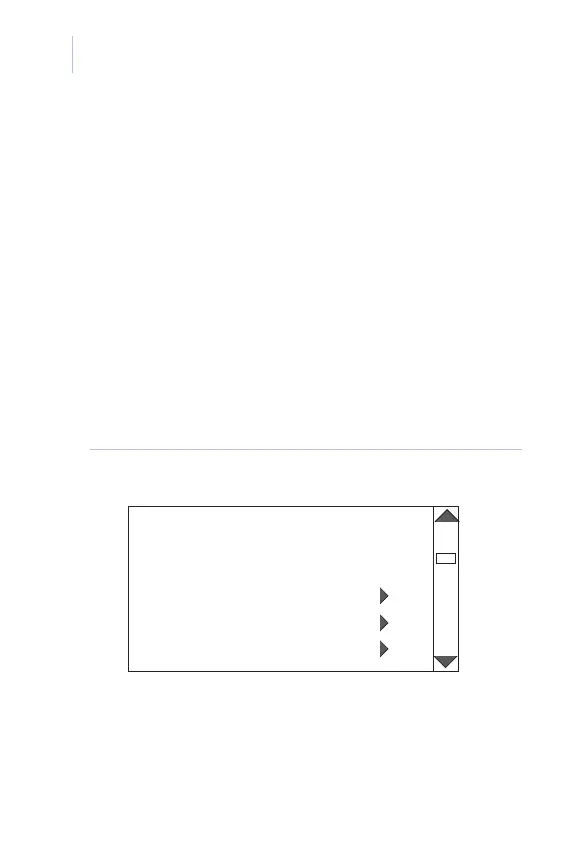
display (Figure 14).
Figure 14. Setup menu screen
SET UP MENU
ROOM STATION ADDRESS 2
DISPLAY SETTINGS
INTERCOM SETTINGS
AUDIO SETTINGS














 To Next Page