Chapter 3
Intercom controls
29
DND button
Press the DND button (do not disturb) to prevent
any intercom calls or door station calls from
being heard in the room. The intercom screen
will display
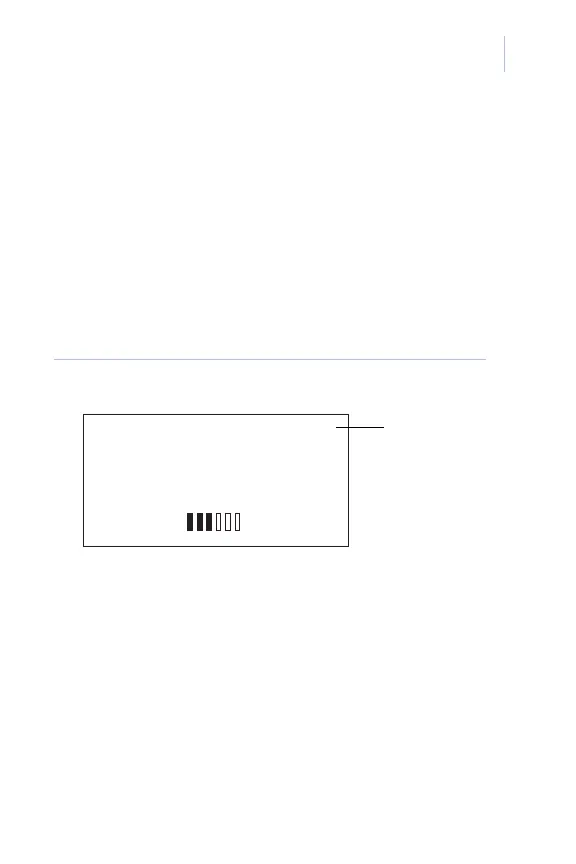
Do Not Disturb and a DND icon
will appear at the top of all display screens
(Figure 10).
Figure 10. Do not disturb screen
To exit the DND mode, press the DND button
again.
Note: If you press the Intercom button on a room
station in DND mode (to make an intercom call)
the DND mode will be canceled.
DO NOT DISTURB
SOURCE 1
ALL STATIONS
DND
DND icon














 To Next Page