SmartCom Room Station
Pocket Guide
28
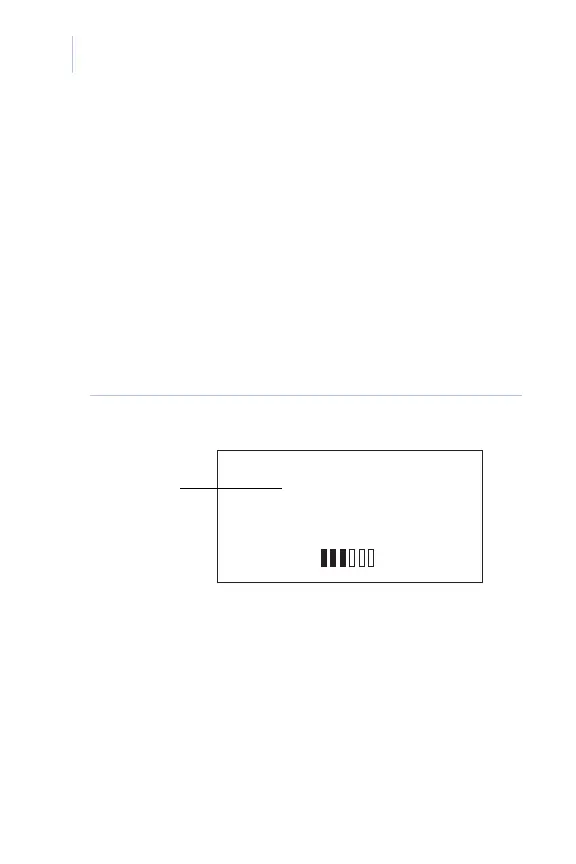
Intercom call volume control
Once you have initiated an intercom call, you can
adjust the intercom volume (0 to 32) by turning
the knob. The knob only controls the intercom
volume while you are on the call. Once the call
ends, the music will come back on and turning
the knob will adjust the music volume. Figure 9
shows the screen display for intercom volume
control.
Figure 9. Volume control Intercom screen
VOLUME:25
SOURCE 1
ALL STATIONS
INTERCOM
Selected
volume














 To Next Page