Using the Menu to Set Up
Features
You can set up your VCR's features by using the remote
control's buttons to enter your choices from on-screen
instructions. Each menu item is explained in this section.
For each numbered selection on the menus, use the same
numbered button on the remote control to select it.
Language Selection
If you did not complete this step in the previous section using
the QuickSet Guide, it is time to select your preferred
language. Once this step is complete, all on-screen displays
will appear in that language.
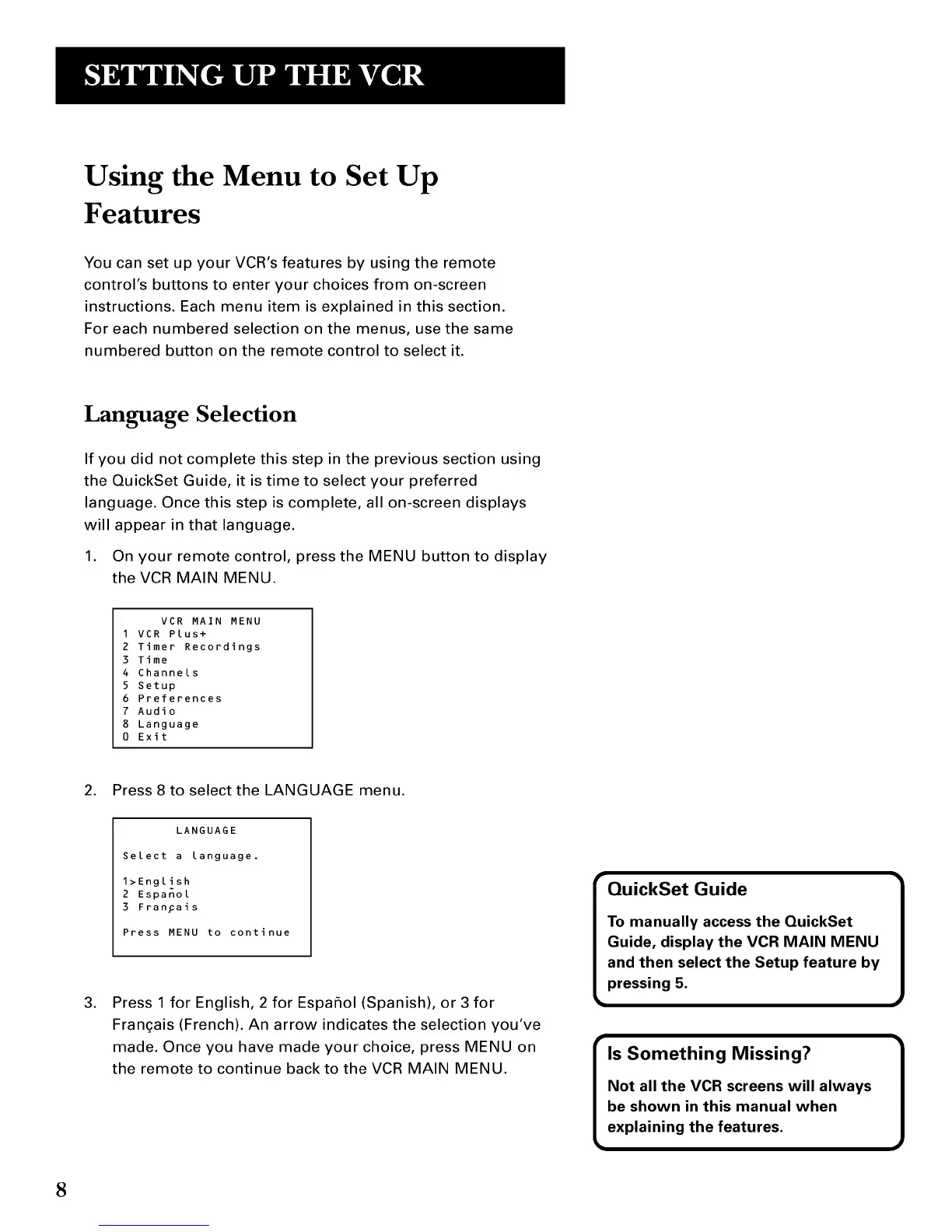
1. On your remote control, press the MENU button to display
the VCR MAIN MENU.
VCR MAIN MENU
1 VCR Plus+
2 Timer Recordings
3 Time
4 Channels
5 Setup
6 Preferences
7 Audio
8 Language
0 Exit
2. Press 8 to select the LANGUAGE menu.
.
LANGUAGE
Select a language.
1>English
2 Espanol
3 FranFais
Press MENU to continue
Press 1 for English, 2 for Espafiol (Spanish), or 3 for
Frangais (French). An arrow indicates the selection you've
made. Once you have made your choice, press MENU on
the remote to continue back to the VCR MAIN MENU.
T
QuickSet Guide
To manually access the QuickSet
Guide, display the VCR MAIN MENU
and then select the Setup feature by
pressing 5.
8



 To Next Page