Tape Eject
Press STOP,EJECT on the VCR or press and hold STOP on remote
for three seconds when the VCR is in stop mode to eject the tape.
A tape can be ejected even when the VCR is off.
Recording
If you want to record something that you're watching, you can
use basic recording. For more detailed information, refer to the
"Recording" section starting on the next page.
1. Set the tape speed by pressing the SPEED button on the
remote.
.
3.
Press the RECORD button to begin recording.
Press STOP to stop recording.
If you just want to pause the recording for a short time
(such as during a commercial), press PAUSE instead of
STOR
For more information about in-depth recording features,
refer to the next section.
Check the Safety Tab
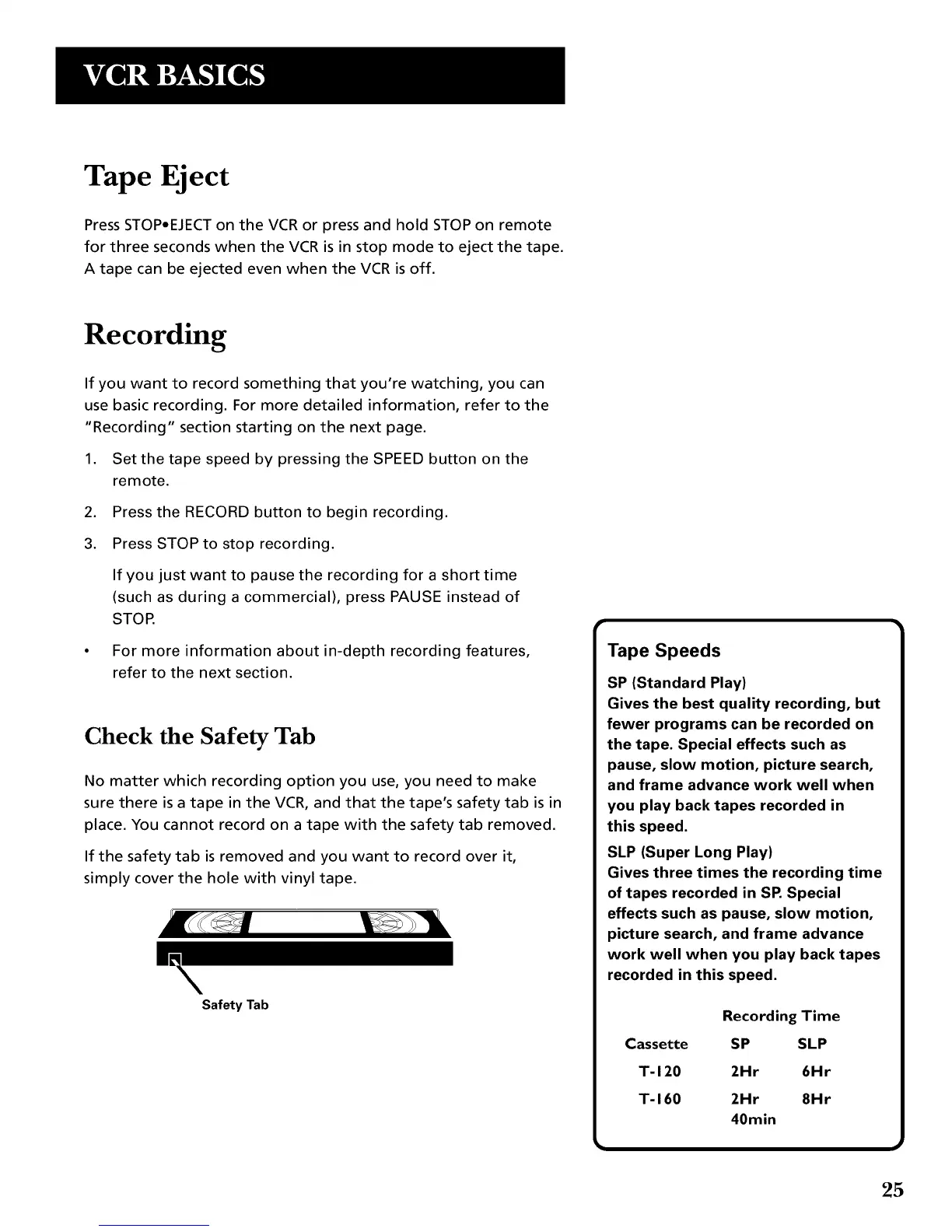
No matter which recording option you use, you need to make
sure there is a tape in the VCR, and that the tape's safety tab is in
place. You cannot record on a tape with the safety tab removed.
If the safety tab is removed and you want to record over it,
simply cover the hole with vinyl tape.
Safety Tab
Tape Speeds
SP (Standard Play)
Gives the best quality recording, but
fewer programs can be recorded on
the tape. Special effects such as
pause, slow motion, picture search,
and frame advance work well when
you play back tapes recorded in
this speed.
SLP (Super Long Play)
Gives three times the recording time
of tapes recorded in SP.Special
effects such as pause, slow motion,
picture search, and frame advance
work well when you play back tapes
recorded in this speed.
Cassette
T-120
T-160
Reco_ingTime
SP SLP
2Hr 6Hr
2Hr 8Hr
40min
25



 To Next Page