Recording Features
There are four ways to record programs:
• Recording press RECORD to start recording a program.
(See VCR Basics section.)
Express Recording (XPR) starts recording a program you
are watching. You can then set the VCR to automatically stop
recording after a designated period of time.
Timer Recording programming the VCR to automatically
start and stop recording at a predetermined time.
VCR Plus+ Programming System a timer program
allowing the VCR to record just by entering a PlusCode
programming number found in most TV guides.
Express Recording (XPR)
Use Express recording to quickly record the remaining portion
of the program you are watching.
1. Set the tape speed by pressing the SPEED button on the
remote control
2. Press the RECORD button to begin recording
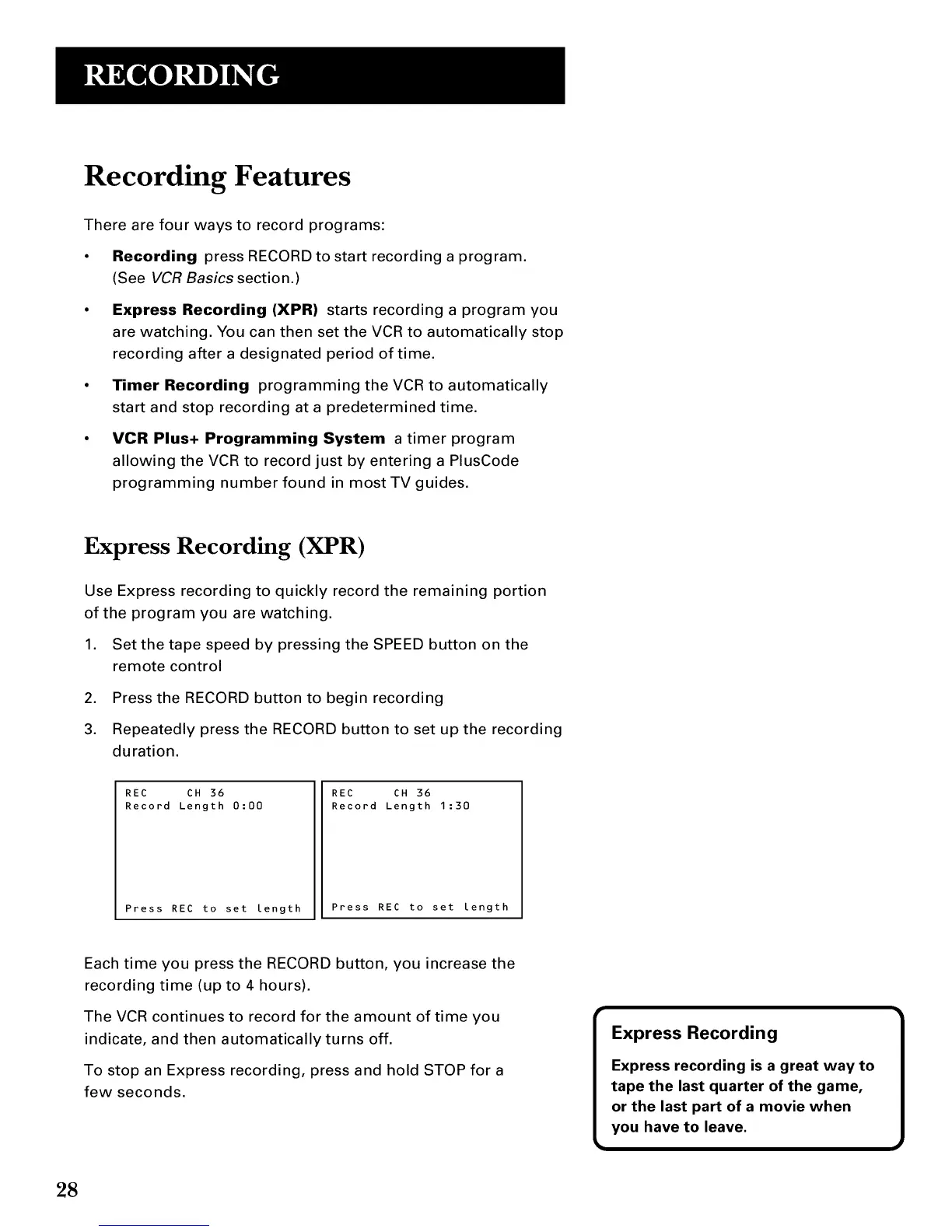
3. Repeatedly press the RECORD button to set up the recording
duration.
REC CH 36
Record Length 0:00
Press REC to set length
REC CH 36
Record Length 1:30
Press REC to set length
Each time you press the RECORD button, you increase the
recording time (up to 4 hours).
The VCR continues to record for the amount of time you
indicate, and then automatically turns off.
To stop an Express recording, press and hold STOP for a
few seconds.
28



 To Next Page