• Make sure the VCR indicator is on in the VCR display if you
connected your VCR using the IN (FROM ANT.) and OUT (TO
TV) jacks.
• Check your connections.
If you choose to set up your VCR options individually, then go to
the next section.
Step 8: Access the Menus
The MENU and number buttons on the remote let you access,
select, and change your VCR's preferences. For example, to select
a different preferred on-screen language than the one you
selected during the initial set up, do the following:
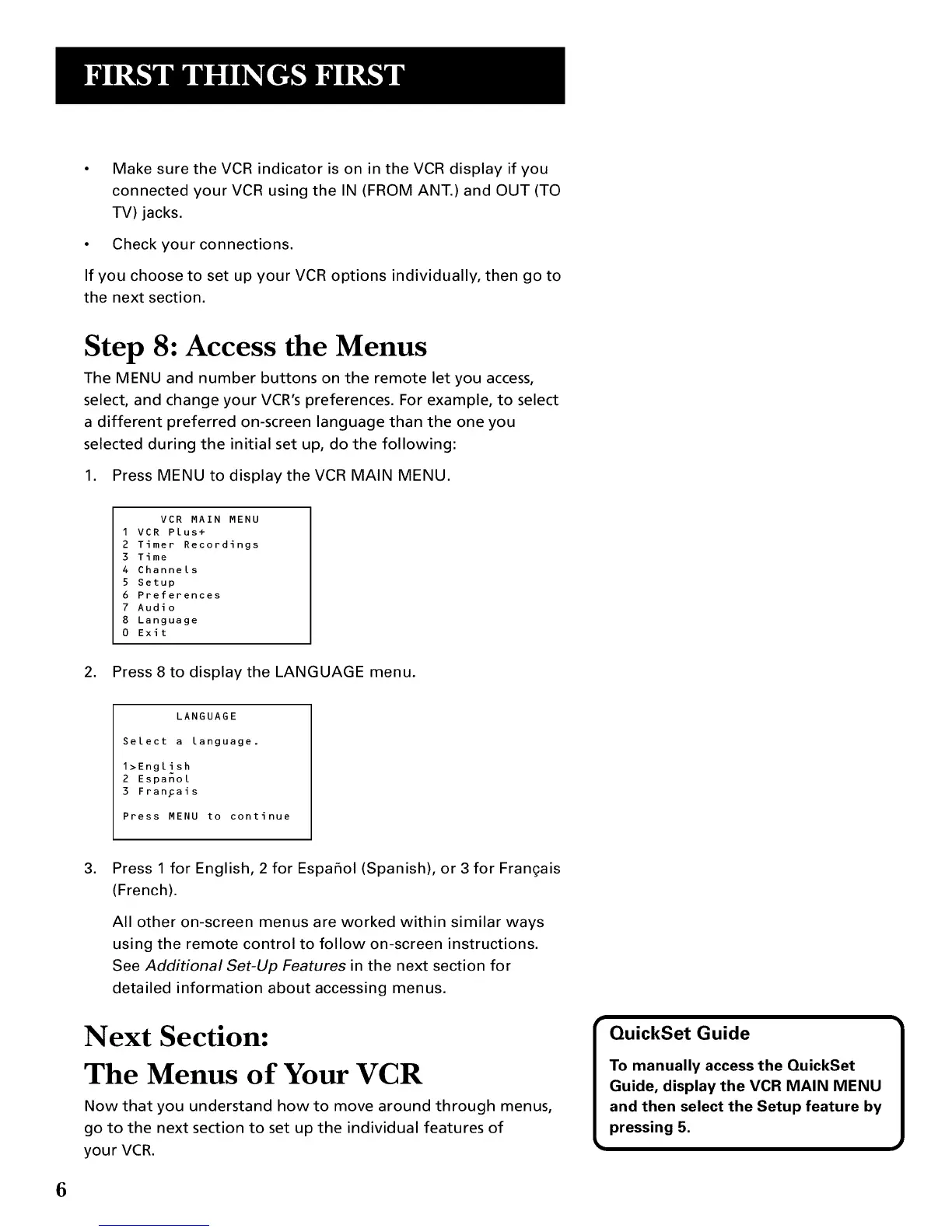
1. Press MENU to display the VCR MAIN MENU.
VCR MAIN MENU
1 VCR Plus+
2 Timer Recordings
3 Time
4 Channels
5 Setup
6 Preferences
7 Audio
8 Language
0 Exit
2. Press 8 to display the LANGUAGE menu.
LANGUAGE
Select a language.
1>English
2 Espanol
3 FranFais
Press MENU to continue
.
Press 1 for English, 2 for Espafiol(Spanish), or 3 for Frangais
(French).
All other on-screen menus are worked within similar ways
using the remote control to follow on-screen instructions.
See Additional Set-Up Features in the next section for
detailed information about accessing menus.
Next Section:
The Menus of Your VCR
Now that you understand how to move around through menus,
go to the next section to set up the individual features of
your VCR.
6



 To Next Page