18
USING THE EXT-DSC HTTP SERVER
are few ways to access the HTTP server of a specifi c EXT-DSC unit.
1. You know the IP address of the EXT-DSC unit: then type http://<ip address>
in the location bar of your web browser.
2. You know under which name the EXT-DSC unit has been registered on
the DNS server. This registration can be done manually by the DNS server
administrator and in this case the name of the unit is arbitrary. In this case
write http://<DNS name of the unit>/ in the location bar of your web browser.
3. You know that the EXT-DSC unit is confi gured in DHCP mode and that the
DHCP server is confi gured to dynamically register the names in the DNS
server. In this case the name of the EXT-DSC unit will have the following
predefi ned pattern: gef-dsc-<MAC Address>, where <serial number> is the
12 digit serial number that you fi nd on the label below the EXT-DSC unit. In
this case write http://gef-dsc-<MAC Address>.local in the location bar of
your web browser.
NOTE: If you do not know any of the above information, then you may retrieve
the IP address and the name of the EXT-DSC unit using the Digital Signage
Director software. This software shall be executed on the PC which is connected
through the Ethernet network to the EXT-DSC unit.
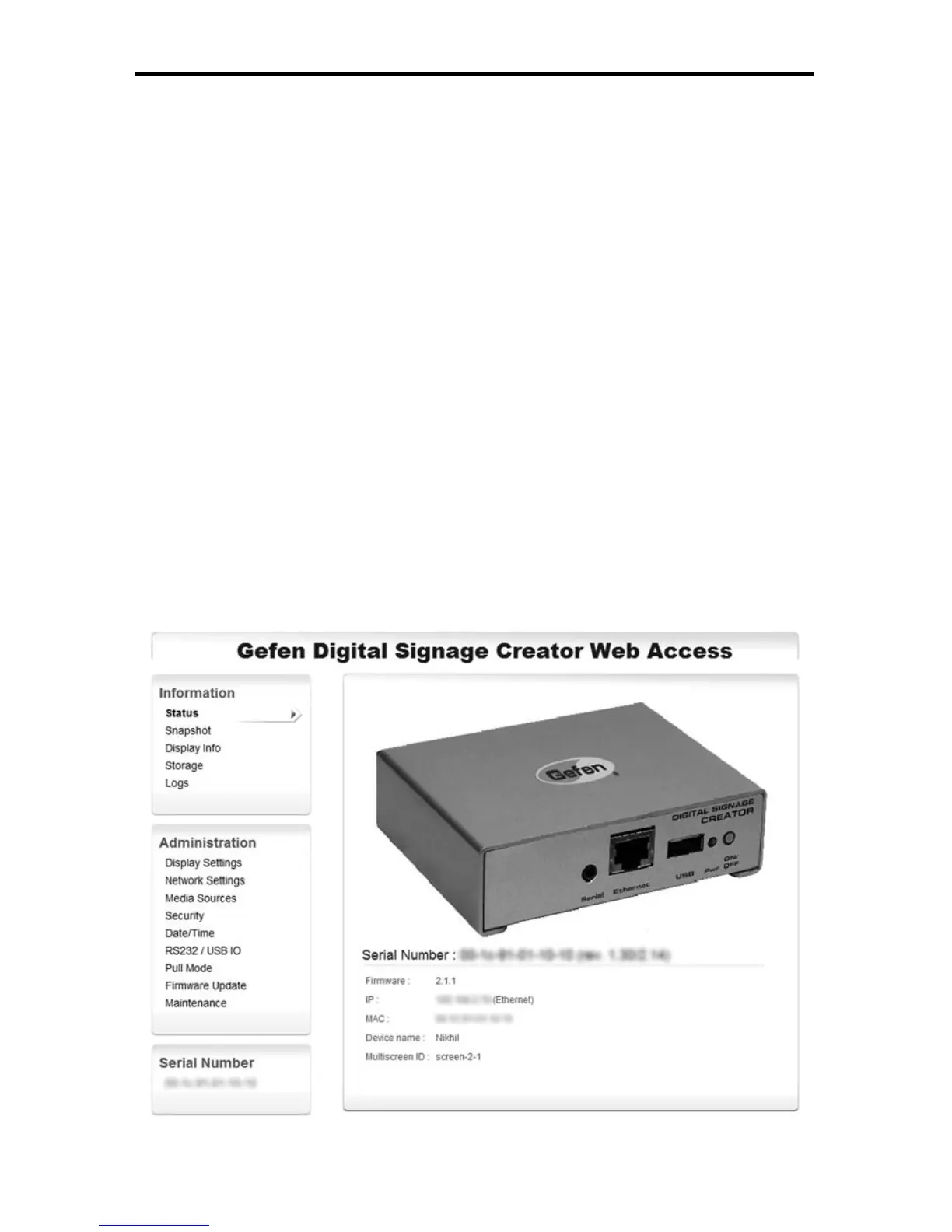
To validate that you have successfully connected to the HTTP server, you should
see the following screen:



 To Next Page