25
CONTENT ACCESS MODES
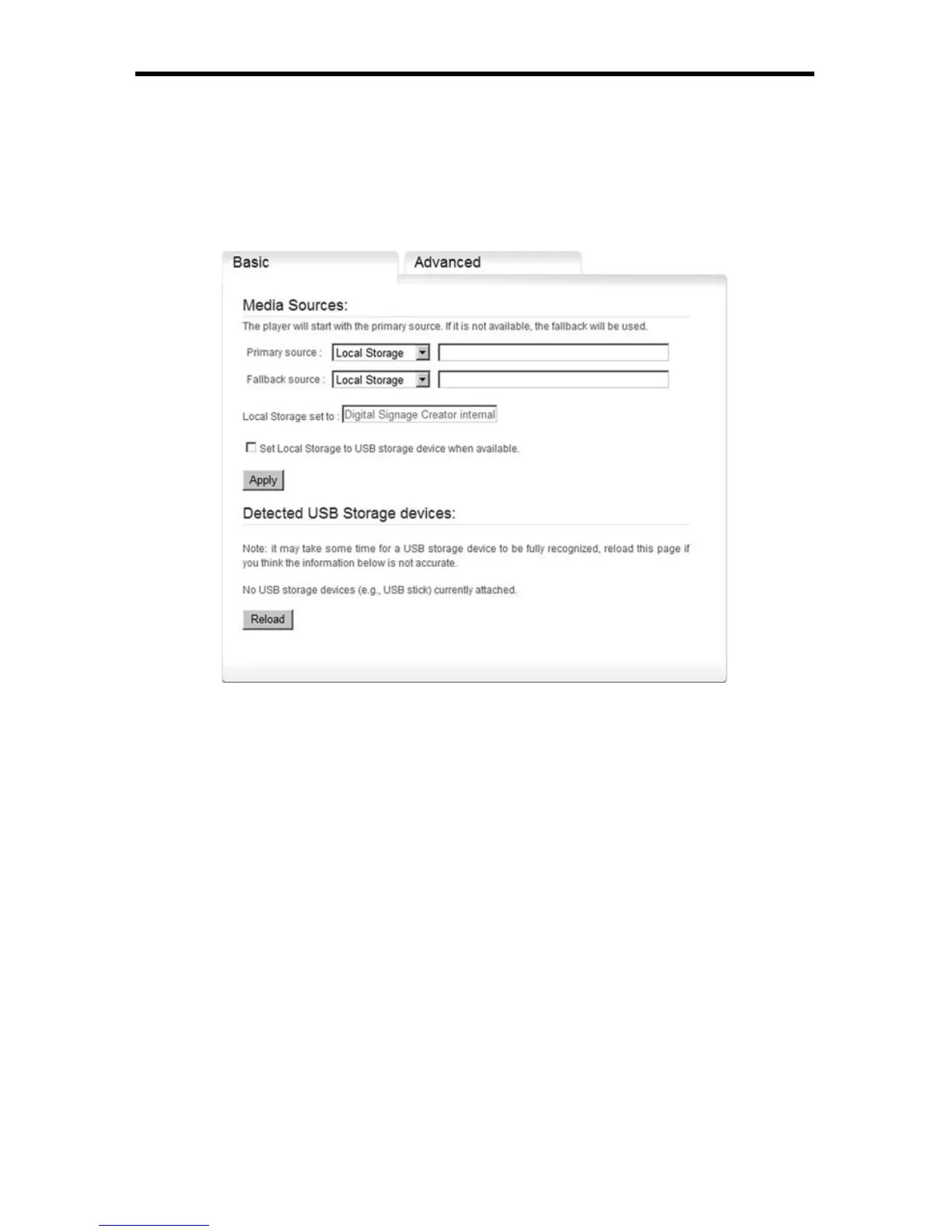
4. Press Apply
You can specify a Fallback source in case your network server cannot be
reached by the EXT-DSC unit.
If your server requires a username and a password, you can enter them using
the Advanced dialog page as described in Network credentials.
Content Access Modes
When connected to the network, EXT-DSC can be used to access content to be
displayed in three different modes:
► Push mode: Files are pushed to the EXT-DSC using a WebDAV server.
For example, the DSD uses the push mode to publish an Hyper Media
Project to a EXT-DSC unit.
► Client mode: The EXT-DSC accesses fi les from a remote HTTP server.
The internal storage will be used as a cache. Confi guring the client
mode is explained in Use network servers.
► Pull mode: Files are copied periodically from a remote server to the
local storage of the EXT-DSC.
If the Push and Client modes are the simpler publishing mechanisms they might
not fi t to all network architecture needs. In particular, when network security
constraints are introduced, it may be necessary to request the EXT-DSC units
to retrieve content or publish logs at specifi c timings. In this case the Pull mode
must be used.



 To Next Page