24
USING A NETWORK SERVER WITH THE EXT-DSC
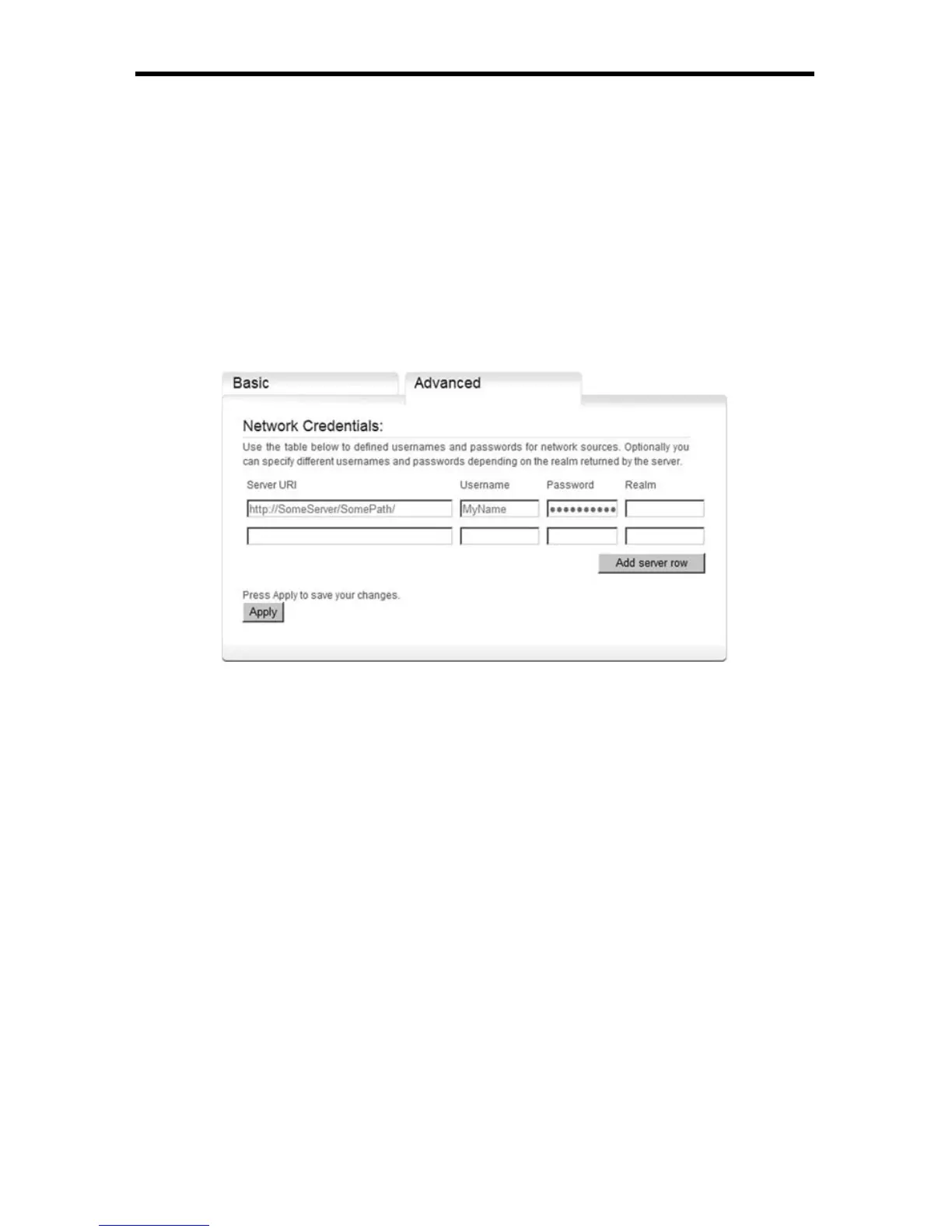
► The username
► The password
► You can specify multiple username and password for the same
server but for different realms
3. If you need additional servers, press the Add server row button.
4. Press Apply to save your changes.
Note that networks credentials are used by the EXT-DSC player and by the pull
mechanism as described in Pull Mode settings.
Using A Network Server With EXT-DSC
This tutorial explains how to confi gure your EXT-DSC unit to use a network
server as content source using its administration HTTP server.
The EXT-DSC can use an HTTP server as the source for the displayed
multimedia fi les. In this case the EXT-DSC will frequently check for modifi cation
on the server. The internal storage will be used to cache some of media fi les from
the server. If you require your EXT-DSC to download periodically the content of a
network server to its internal storage, please go to the Content Pull Mode page.
1. In the main page of the HTTP server of your unit, select in the left menu
the Media Sources item that you fi nd under Administration. The current
settings will be shown on your browser.
2. Change the Primary source to be equal to Network Project
3. Enter the URI of your network project
The EXT-DSC will open the index.svg fi le in the root of the entered URI
Note: you can use HTTP or HTTPS servers



 To Next Page