29
CONFIGURING RS-232
Once a protocol fi le is selected, you might choose to change the serial port con-
fi guration or to enable automatic power on and power off of the attached screen.
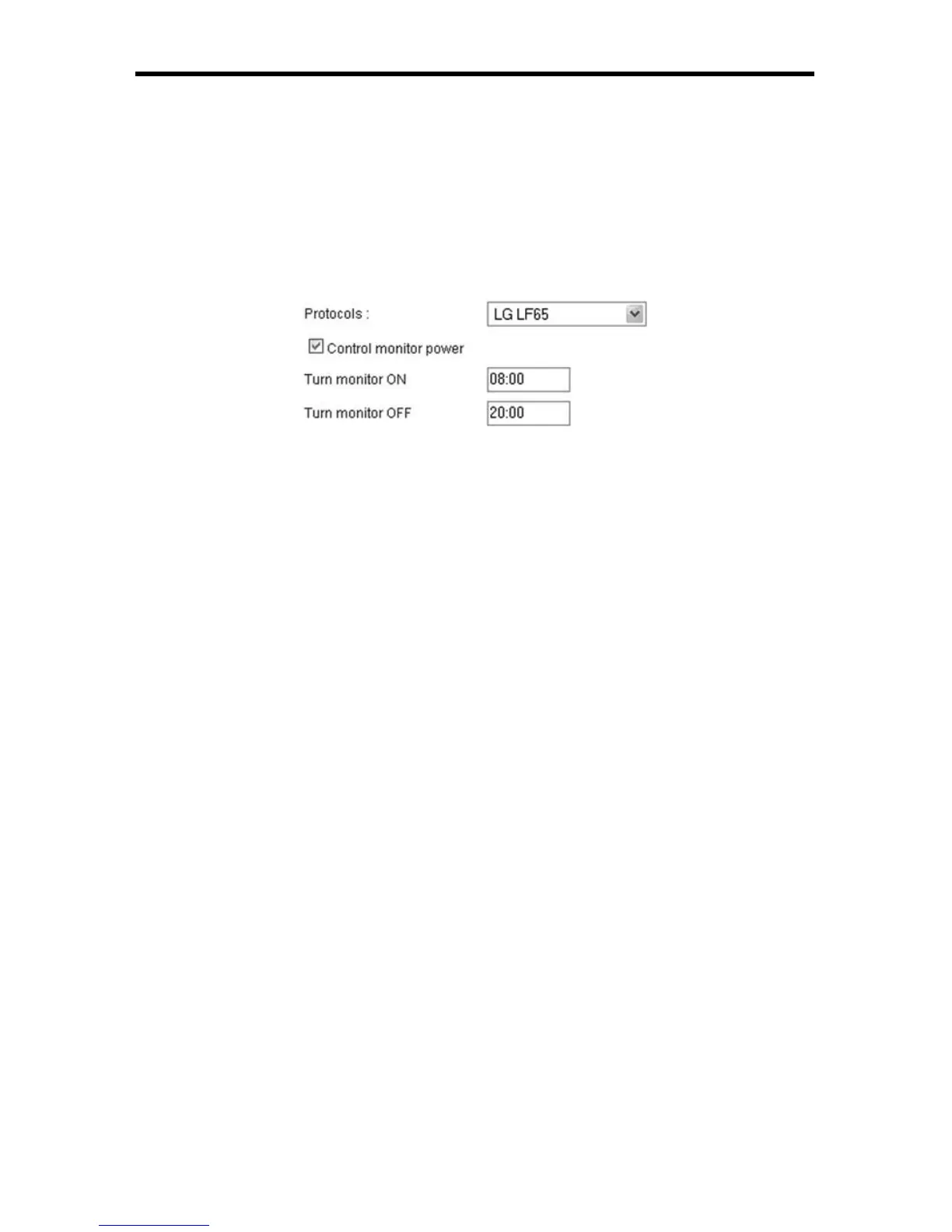
Checking the Control monitor power check box will force the EXT-DSC to send
the PowerOn and PowerOff commands at specifi ed times (in 24 hours format)
regardless of the content uploaded on the device.
In the example below the EXT-DSC has been confi gured to use the LG LF65
protocol, and automatically turn the screen ON at 8:00 and OFF at 20:00.



 To Next Page