page | 5
Getting Started
Back
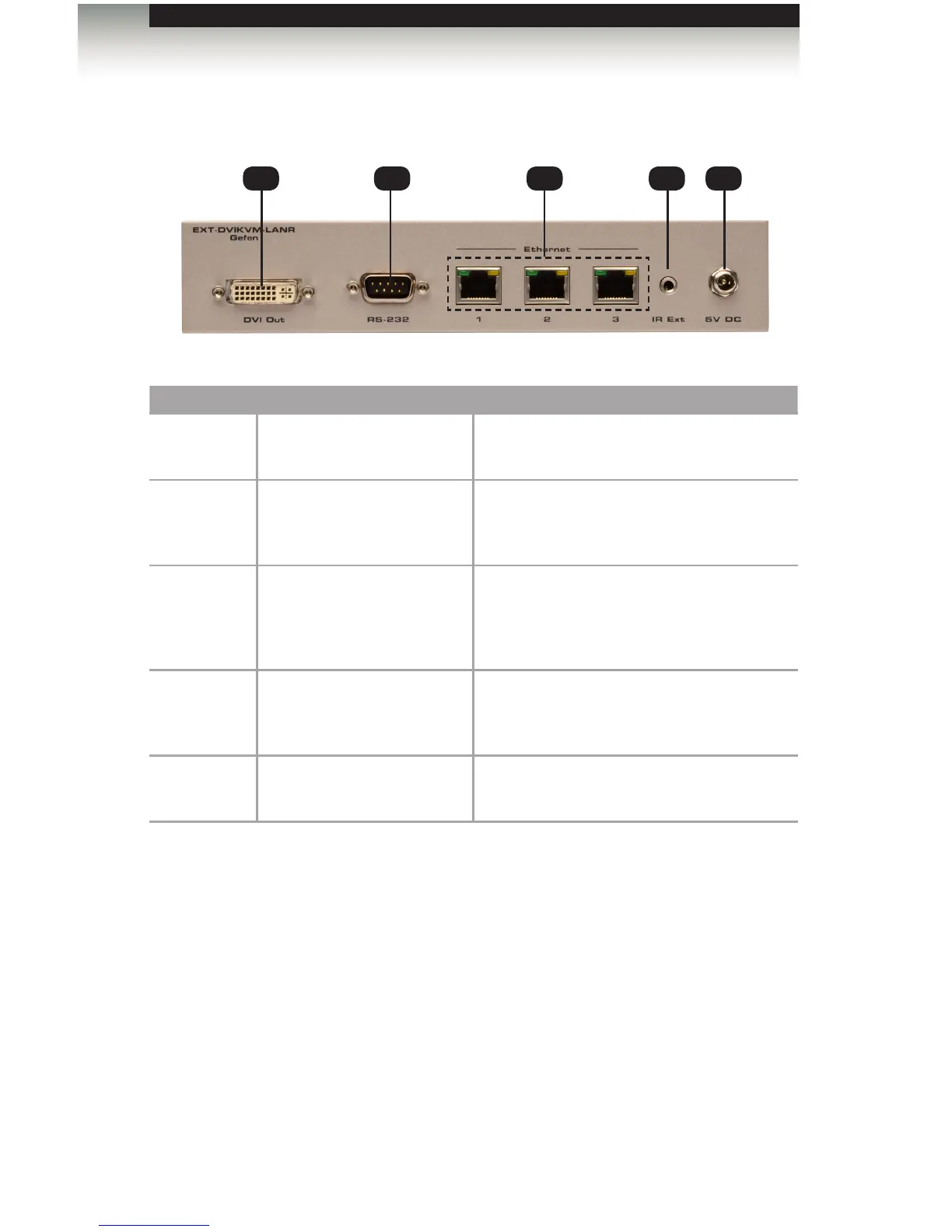
ID Name Description
1 DVI Out Connect a DVI cable from this connector to
the DVI display.
2 RS-232 Connect the included RS-232 cable from this
port to an RS-232 device.
See Using RS-232 for details.
3 LAN Connects the Receiver unit to the network (or
directly to the Sender unit) using an Ethernet
cable. See the next page for installation
instructions.
4 IR Ext Connect an IR Extender cable
(Gefen part no. EXT-RMT-EXTIRC or
EXT-RMT-EXTIRN) to this port.
4 5V DC Connect the included 5V DC locking power
supply to this power receptacle.
Receiver Unit Layout
1 32
4 5














 To Next Page