page | 41
Operating the DVI KVM over IP
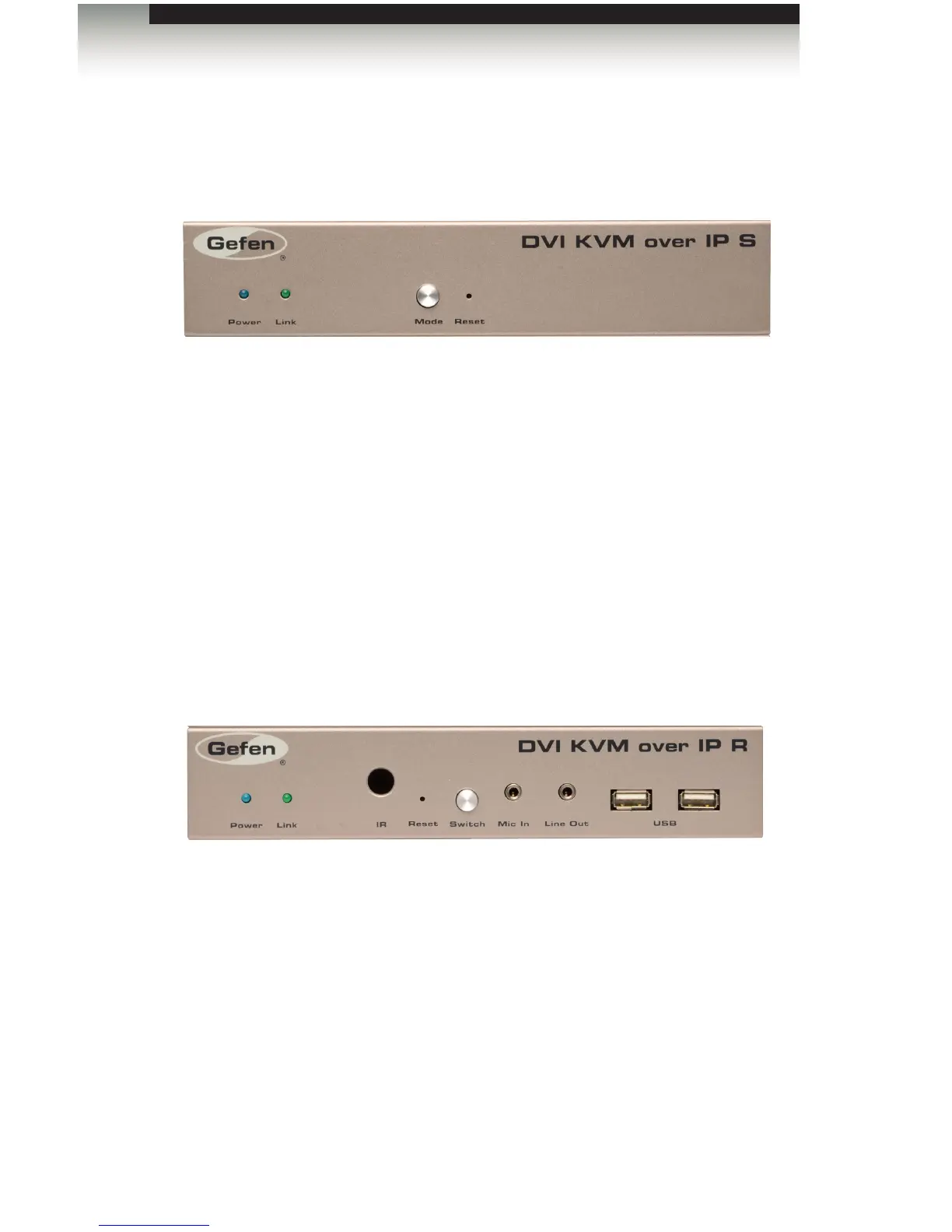
To reset a DVI KVM over IP Sender and / or Receiver unit to factory-default settings, follow
the instructions below.
Sender Unit
1. Disconnect the power from the Sender unit.
2. Press and hold the Mode button.
3. While continuing to press the Mode button, reconnect the power.
4. Continue holding the Mode button until both Power and Link indicators begin
to ash.
5. Use the end of a paper clip or other sharp pointed device to press the Reset button.
6. After the Power LED indicator stops ashing, the unit will be ready for use.
Receiver Unit
1. Disconnect the power from the Sender unit.
2. Press and hold the Switch button.
3. While continuing to press the Switch button, reconnect the power.
4. Continue holding the Switch button until both Power and Link indicators begin
to ash.
5. Use the end of a paper clip or other sharp pointed device to press the Reset button.
6. After the Power LED indicator stops ashing, the unit will be ready for use.
Performing a Factory Reset














 To Next Page