page | 18
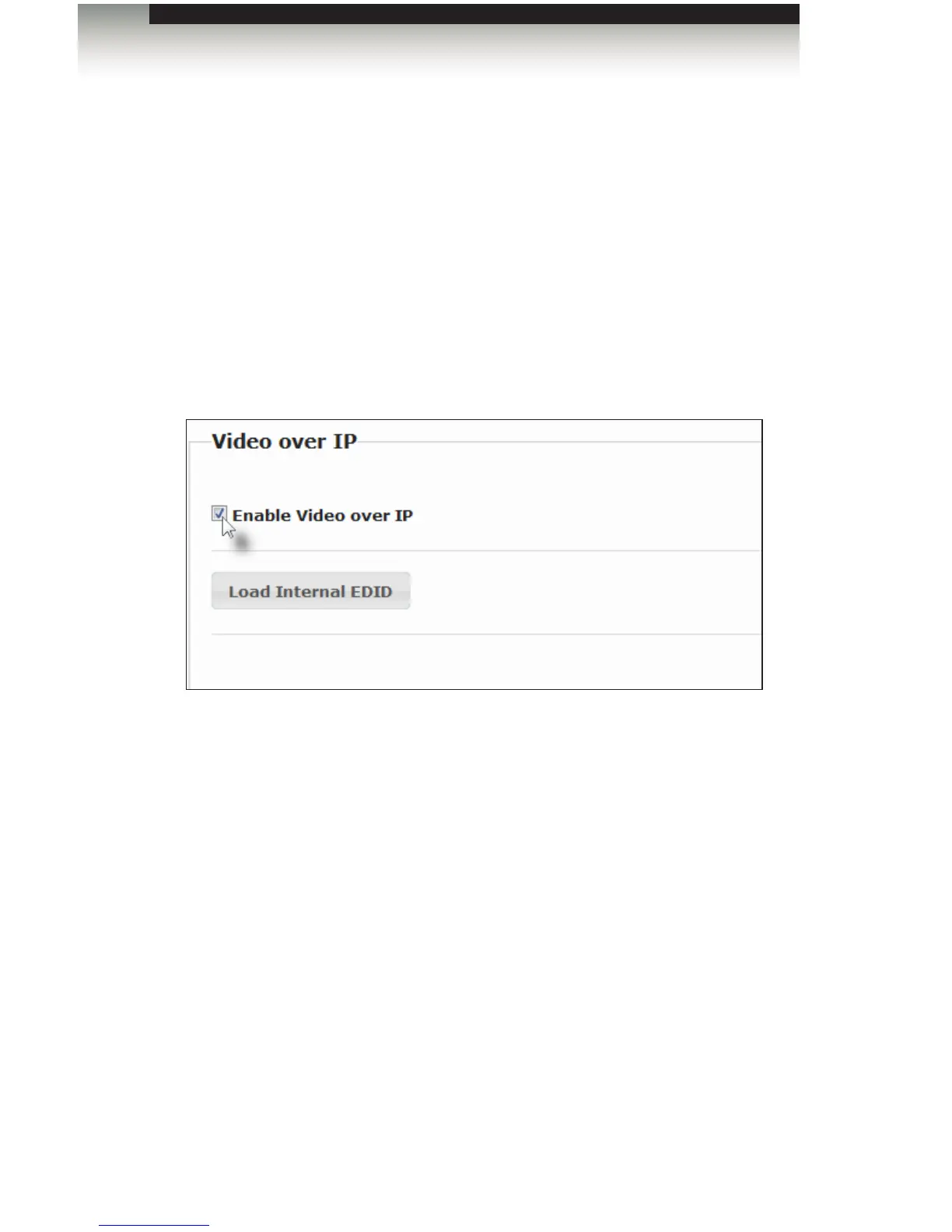
Enabling or Disabling Video over IP
This feature is useful for masking video. Disabling the video on the Sender unit will mask
the video on all connected Receiver units (multicast mode only). To mask the video on
selected Receiver units, disable the video on the desired Receiver units.
1. Access the Web interface by entering the IP address of the desired Sender or
Receiver unit. Refer to Displaying the IP Address if necessary.
2. Click the Functions tab.
3. Check the Enable Video over IP box to enable video. Uncheck this box to disable
video.
4. Click the Save button within the Video over IP group.
5. Click the Reboot button at the bottom of the page.
6. Repeat steps 1 through 5 for each Sender and/or Receiver unit in the system.
Operating the DVI KVM over IP
Basic Operation














 To Next Page