page | 40
Operating the DVI KVM over IP
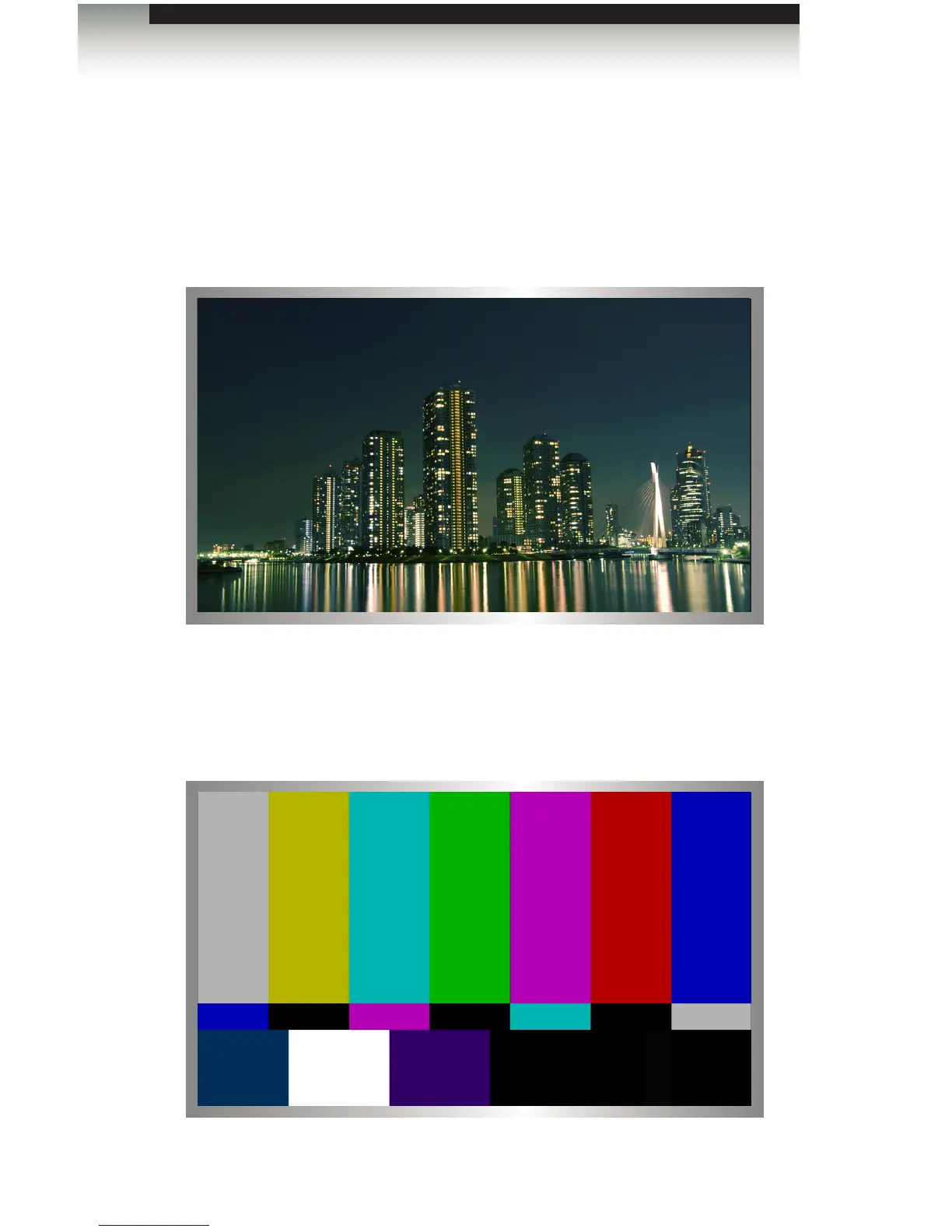
The DVI KVM over IP provides two video modes: Video Mode and Graphic Mode.
Consecutively pressing the Mode button on the Sender unit will toggle between Video
Mode and Graphic Mode.
► Video Mode
If the DVI signal is motion video, then press the Mode button on the front panel of the
Sender unit until Video Mode is displayed. This mode will optimize the frame rate.
► Graphic Mode
If the DVI signal is a static image, then press the Mode button on the front panel of the
Sender unit until Graphic Mode is displayed.
Video Mode
Setting the Video Mode
Graphic Mode














 To Next Page