owners manual
ps1600
Page8
ALBUM
STYLE
ABC
SPLIT
DUAL
PORTA
TOUCH
SUSTAIN
MELODY OFF
Any notes played on the left side of keyboard can be recognized as a chord. The recognized
chord name will be shown on the display.
ALBUM
STYLE
ABC
SPLIT
DUAL
PORTA
TOUCH
SUSTAIN
MELODY OFF
fl ash
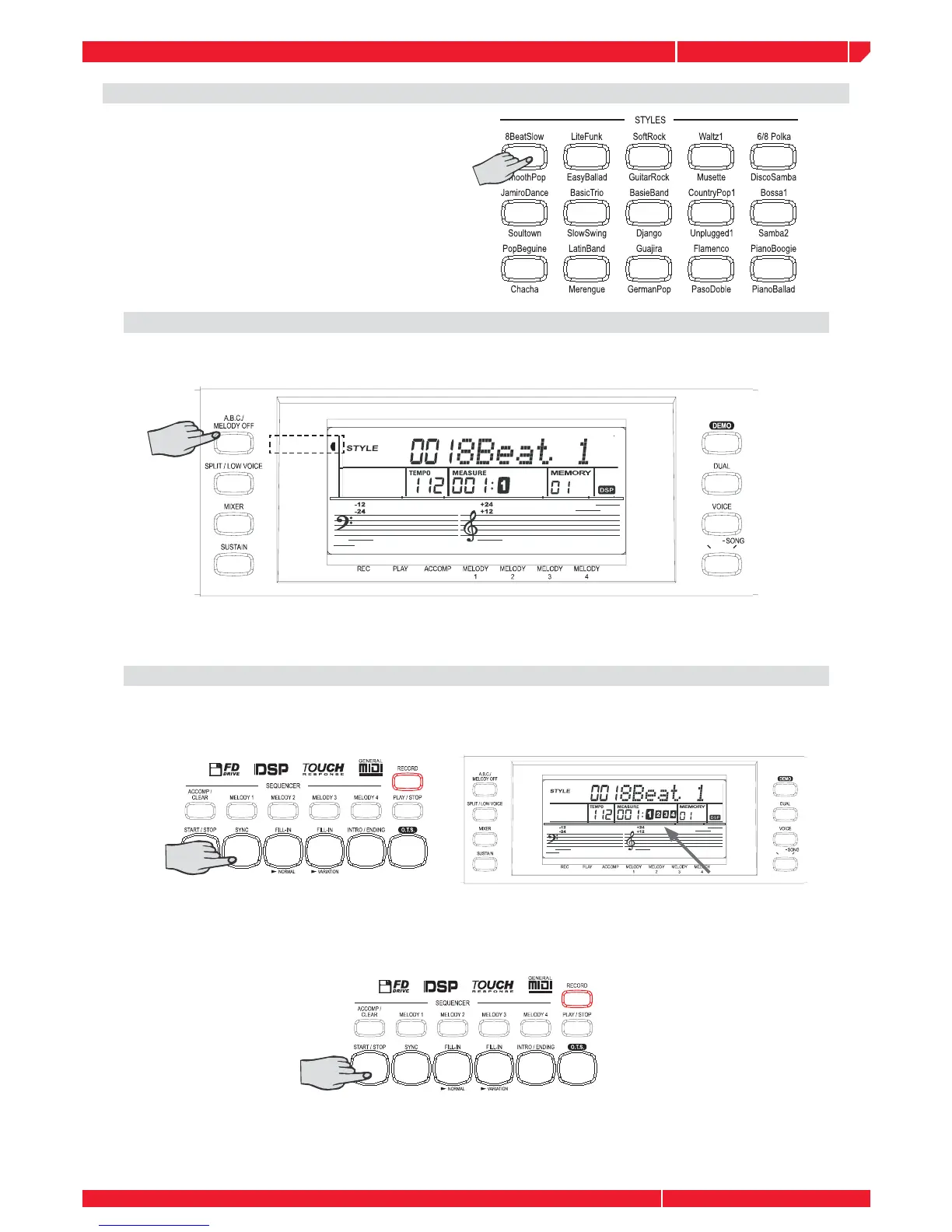
USING AUTO ACCOMPANIMENT (ALL TRACKS)
Select a STYLE
Press the [ABC MELODY/OFF] button after selecting the style.
A.B.C (AUTO BASS CHORD)
Press the SYNC button. The Beat display will fl ash at the current tempo when a synchronized
start mode has been selected.
SYNC START
The accompaniment style will start to play after playing on the keyboard.
Press the [START/STOP] button to stop playing the style.



 To Next Page