owners manual
ps1600
Page10
INTRO
DISPLAY
INTRO
DISPLAY
FILL A
DISPLAY
FILL B
DISPLAY
ENDING
DISPLAY
ACCOMPANIMENT OPERATION
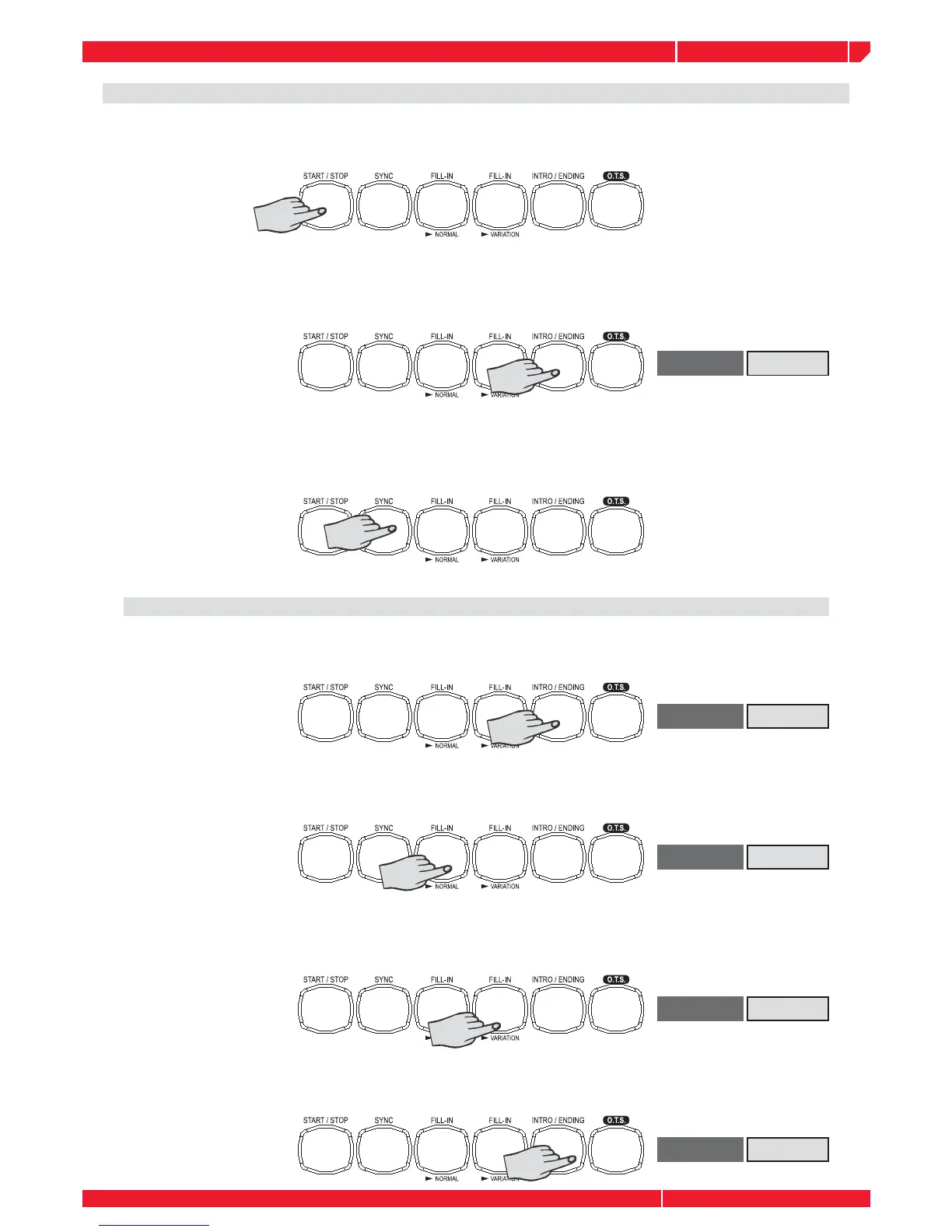
Select a style and Start the accompaniment. The style will start immediately, by pressing the
START/STOP button, the Drum track will start playing without bass and chord accompaniment.
To start with an intro section: Press the INTRO button to actually start the intro section and
accompaniment. Once the intro section fi nishs, the selected main section is currently playing.
Sync Start: Press the SYNC button, The Beat display will fl ash at the current tempo. To start the
main section and accompaniment ,play any keys on the keyboard. (When A.B.C is turned on, play
a key or chord on the auto accompaniment section of the keyboard).
Playing the intro section, the display will fl ash INTRO
Pressing the INTRO button, the intro will begin from the fi rst beat of the next measure.
Press the FILL A button, the fi ll A will begin immediately and smoothly lead into the normal.
Press the FILL B button, the fi ll B will begin immediately and smoothly lead into the VARIATION.
The LED will light up above the button.
Press the ENDING button, the ending will begin from the fi rst beat of the next measure.



 To Next Page