owners manual
ps1600
Page20
FUNCTION
+
FUNCTION
-
FUNCTION
+
FUNCTION
-
04 BEAT
FUNCTION
+
FUNCTION
-
FUNCTION
+
FUNCTION
-
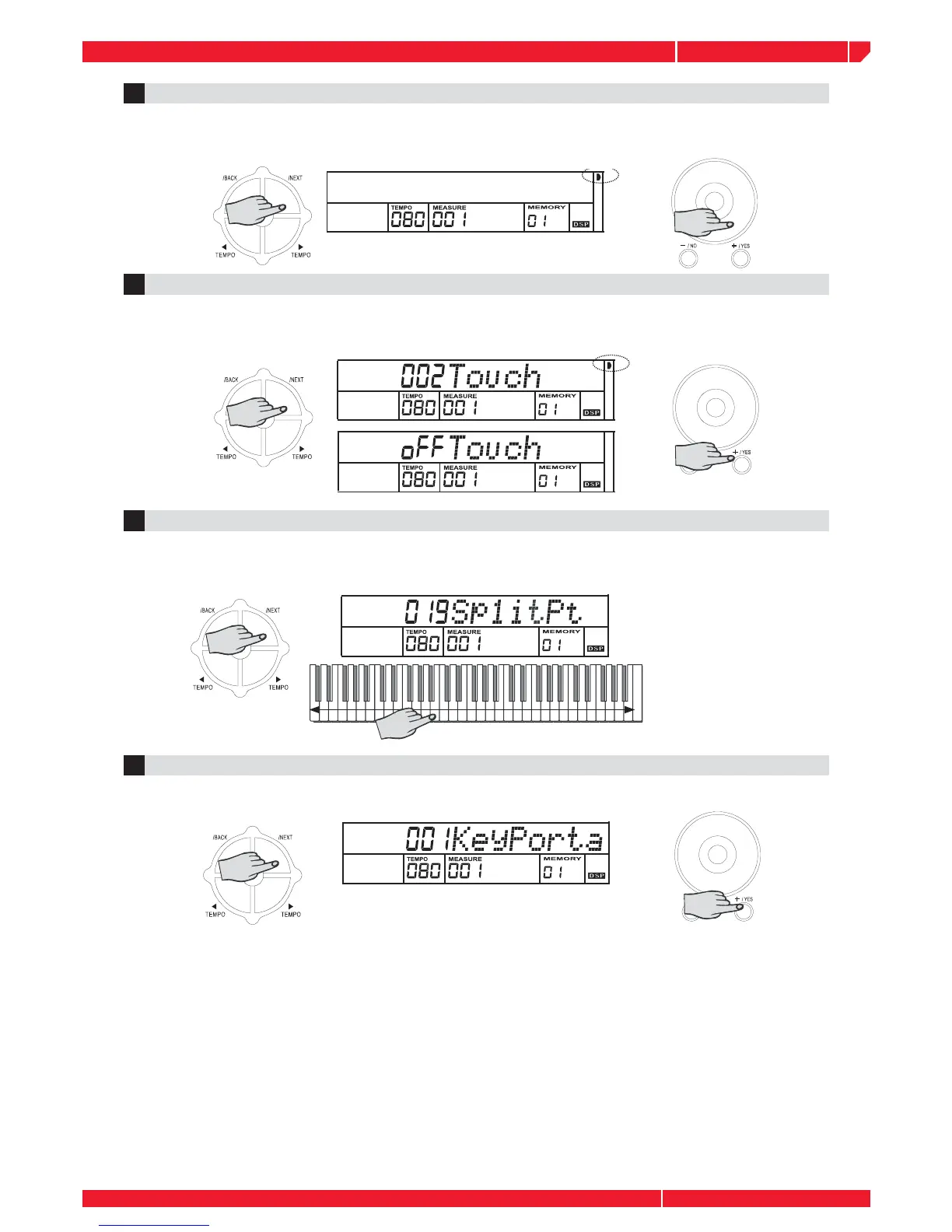
TOUCH5
Press the NEXT button to select and adjust the TOUCH parameter with the control you prefer.
Parameter Range: from OFF to #3. If you select OFF, the TOUCH sign will not appear.
SPLIT POINT6
Press the NEXT button to select and adjust the keyboard SPLIT POINT with the control you
prefer. Press the corresponding key to adjust the split point. Parameter Range: from 1 to 88.
BEAT4
The BEAT function allows you to set a time signature (number of beats in a measure) for the
Metronome. The factory setting corresponds to 4 beats for every measure.
PORTAMENTO TIME7
Press the NEXT button to adjust PORTAMENTO time with the control you prefer. Parameter
Range: from 0 to 3.



 To Next Page