owners manual
ps1600
Page12
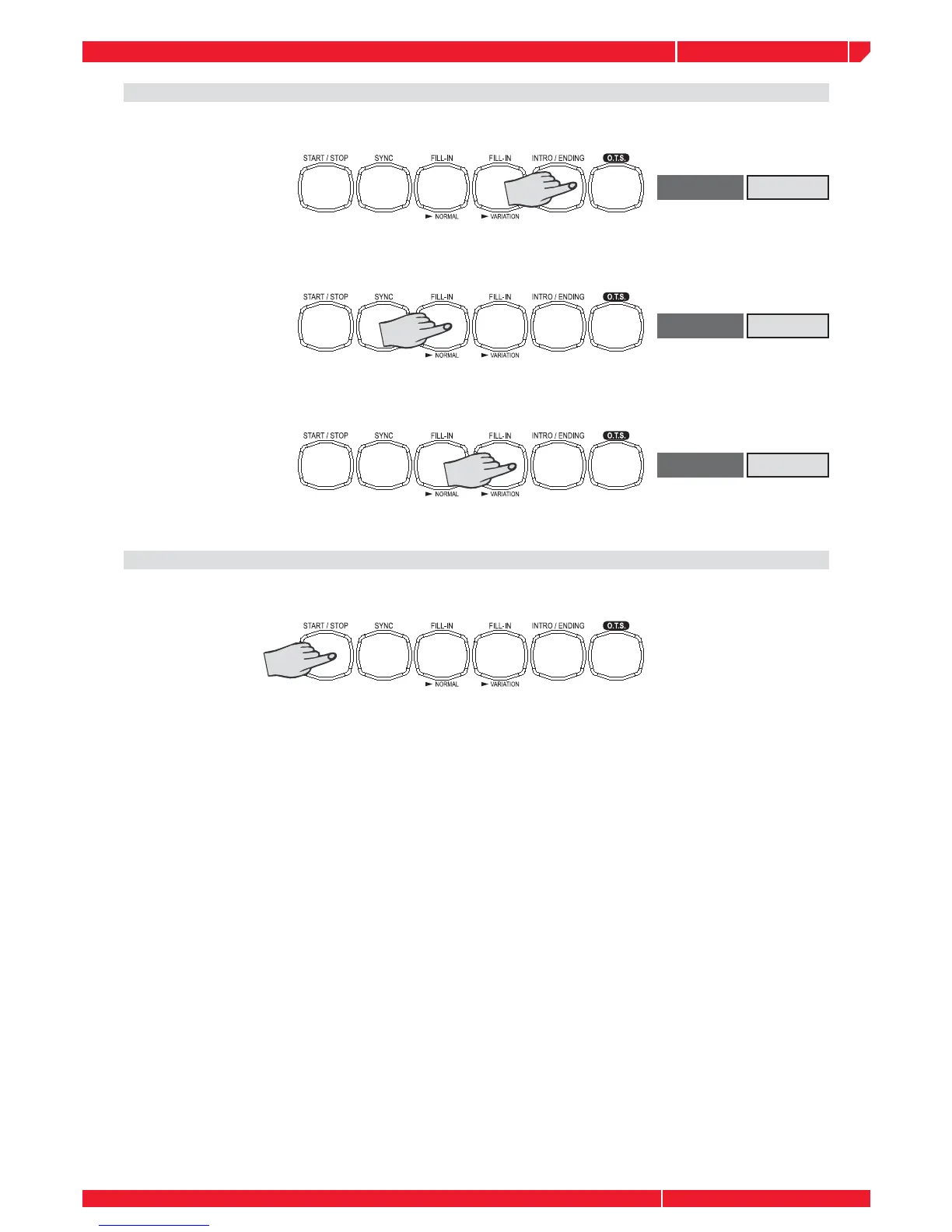
FILL A
DISPLAY
FILL B
DISPLAY
ENDING
DISPLAY
Playing the ENDING section, the display will show ENDING
Press the INTRO button, the intro will begin from the fi rst beat of the next measure.
Press the FILL A button, the fi ll A will begin immediately and smoothly lead into the normal.
Press the FILL B button, the fi ll B will begin immediately and smoothly lead into the VARIATION.
It is no effect by pressing the ENDING button.
Stop playing the style.
The accompaniment can be stopped at any time by pressing the [START/STOP] button.
Press the [ENDING] button if you want to go to the ending section and then stop. The ending
section will begin from the top of the next measure.
SYNC STOP: press the SYNC button, stop playing, and the synchronized start mode has
been selected.



 To Next Page