Genadyne Biotechnologies | DMR-06-091- Rev F
Advance Menu
The Advance Menu is for system setups and therefore untrained users should not be navigating into
this part of the system unless being authorized to do so.
Preferences
In preferences, there are 2 functions for user to choose from:
This function will enable the user to change the time accordingly to the local time.
To set the time, go to:
1. Menu > Advance Menu > Preference > Time
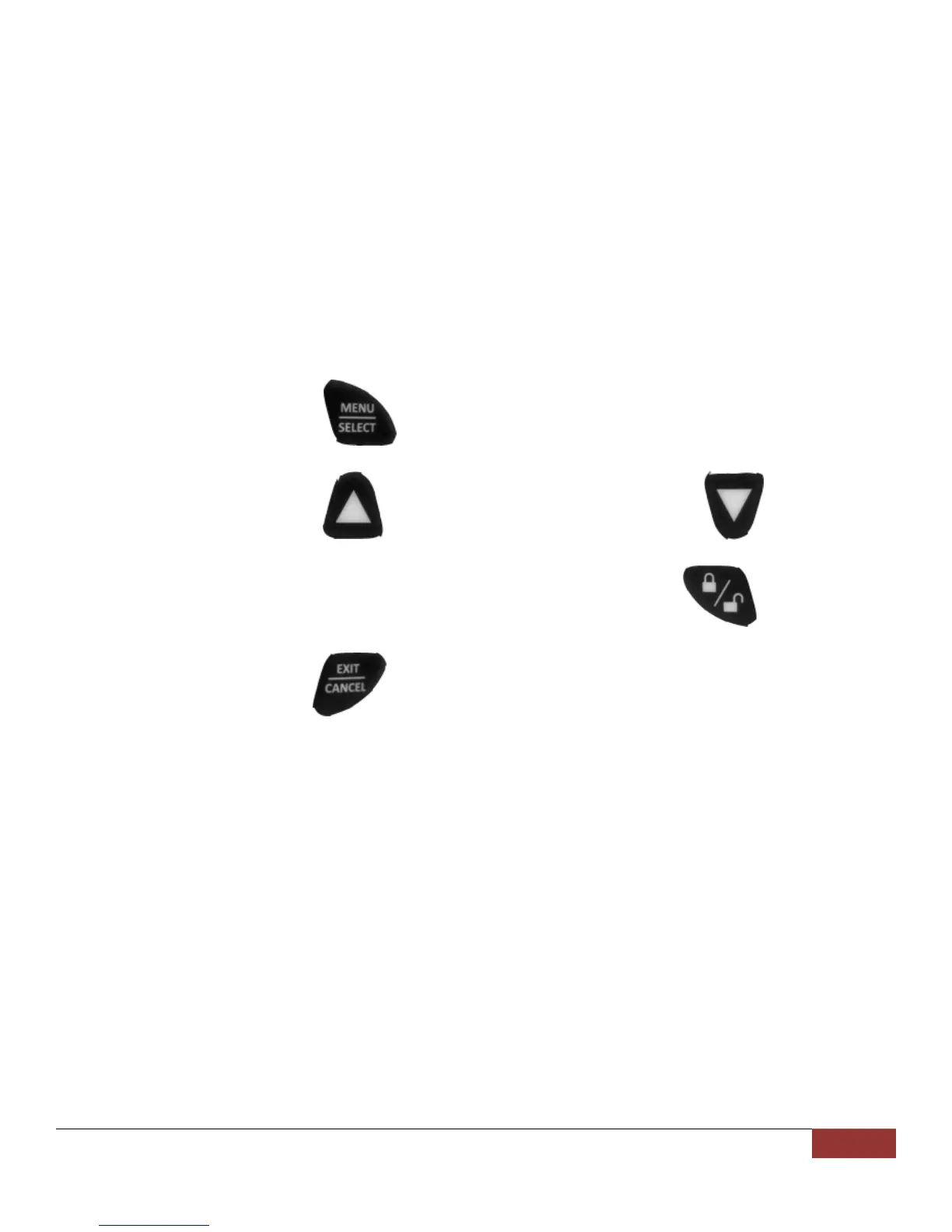
2. Use the (Menu / Select) button to toggle between HH, MM, SS, DD,
MM, and YYYY.
3. Use the (Up) button to increase the value and (Down) button
to decrease the value.
4. After the correct time and date is entered, press the (Lock / Unlock)
button to store the value.
5. Hit the (Exit / Cancel) button to exit to the main screen.
This function allows the user to set the backlight to either brighter or dimmer
according to the user’s preference.
System Info
System info provides information about the system.
Software version, serial number and the usage meter is included in this function.
Language Selection
This function allows the user to choose which language to use.
To select the desired language, navigate using the Up / Down button in the Language and press the
Menu / Select button.
The words in system will then automatically change to the selected language.


 To Next Page