Genadyne Biotechnologies | DMR-06-091- Rev F
Advance Features
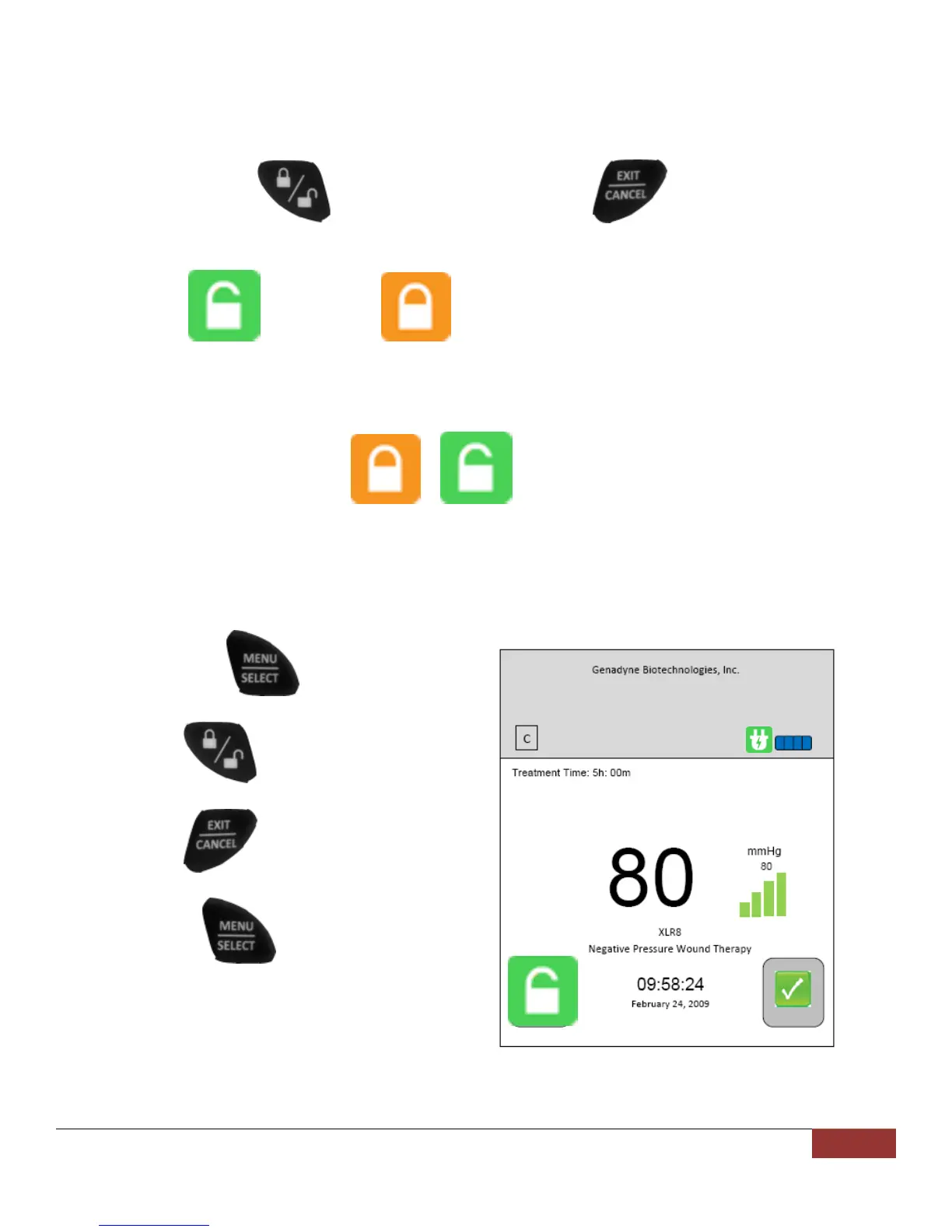
Lock / Unlock Keypad
To lock the keypad
1. Press and hold the (Lock / Unlock) together with the (Exit / Cancel) button for a
duration of 7 seconds.
2. When the icon changes to , the keypad is locked.
3. To unlock the keypad, repeat step 1 above.
4. The icon will then change from to .
Alert Log Clearing
To clear the Alert Log, the user needs to go to the main screen.
1. Press and hold (Menu / Select)
button.
2. Press the (Lock / Unlock) and
release while holding onto number 1.
3. Press the (Exit / Cancel) and
release while holding onto number 1.
4. Release the (Menu / Select)
button.


 To Next Page