12
Basic Operation
Power On
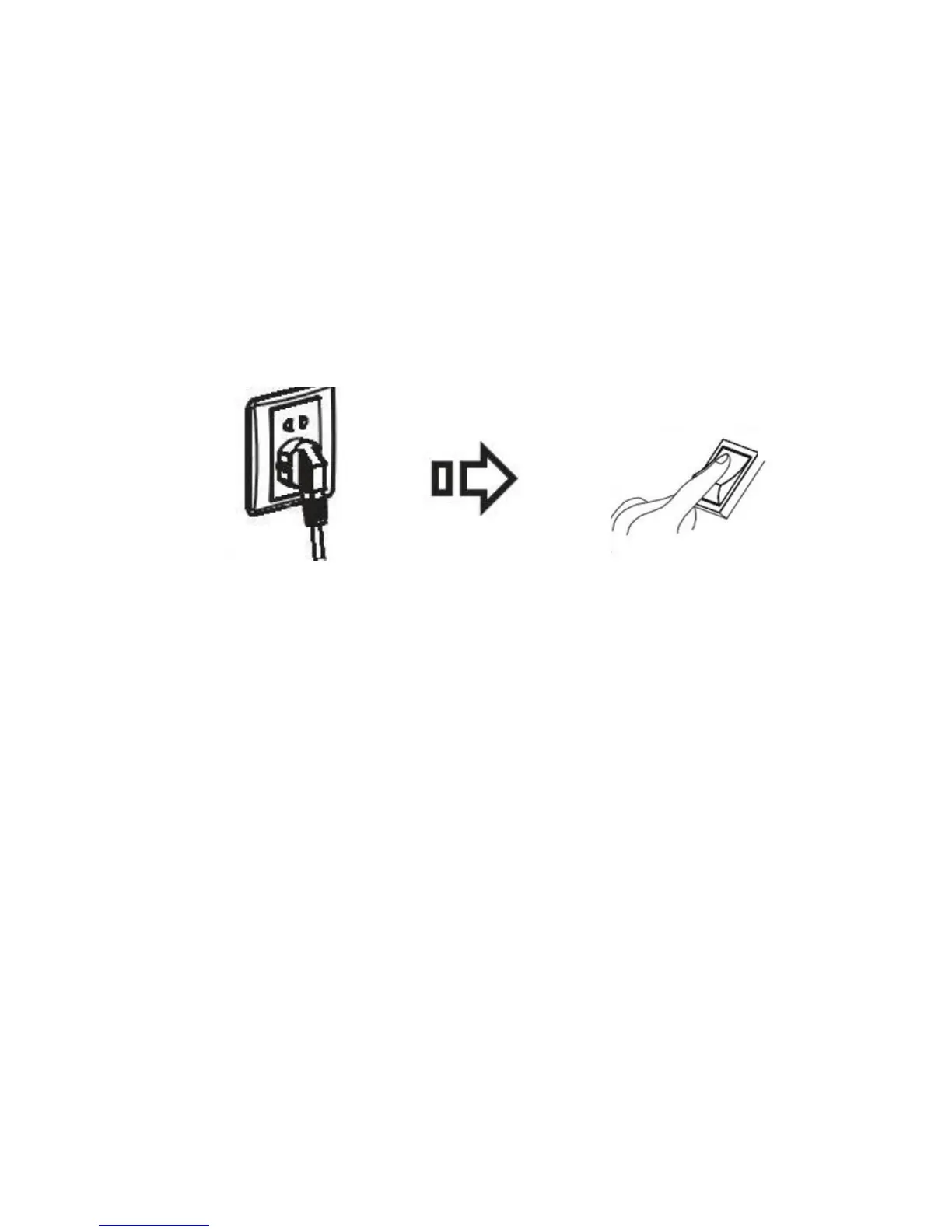
• Power the interactive panel with a 100-240V 50/60Hz AC power supply.
• Turn on the rocker switch on the bottom left of the interactive panel (besides
the power interface) to switch on the interactive panel. The power LED turns on
in red.
• Press Power on the interactive panel or Standby on the remote controller to
turn on the interactive panel. The power LED turns into green. Press PC Power
on the interactive panel (for all-in-one models only).
Power O
• Press PC Power on the interactive panel to turn o the interactive panel
temporarily. Press PC Power on the display when the PC is on to shut down the
PC ( for all-in-one models only).
• Turn o the rocker switch on the bottom left of the panel (besides the power
interface) or disconnect the display from the power supply to switch o the
interactive panel completely.
• If your panel integrates a PC, please shut down the PC before switching o the
panel.
Note: If you use the One-Key Start function, you do not need to press PC On to
switch o the PC.



 To Next Page