36
Multi-Media
Press Signal Source on the remote controller to display the list of signal sources.
Press / to switch to Multi-Media signal channel. Press OK to enter the
channel.
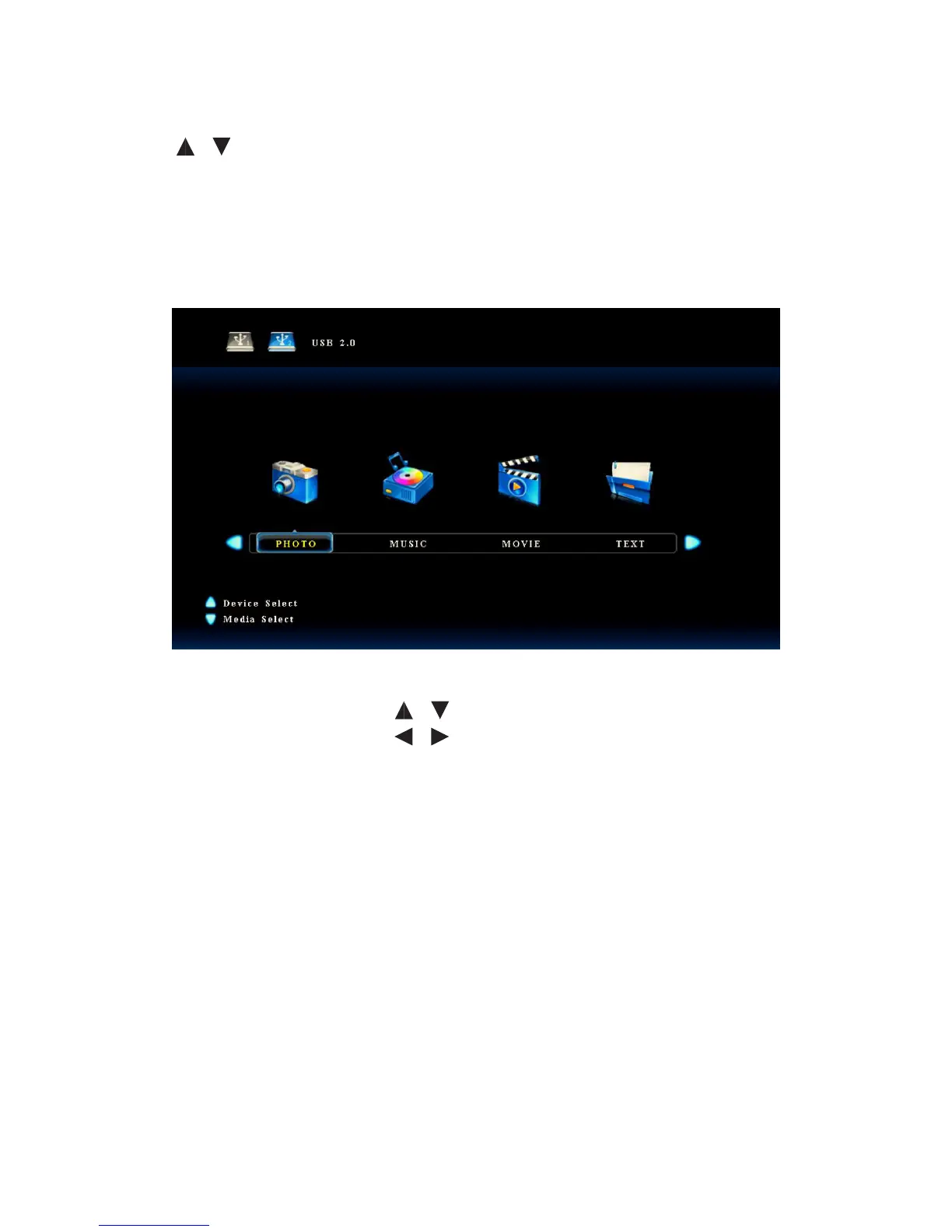
After you enter the multi-media signal source, the interface shows options
including Image, Music, Movie and text. The colour of the USB icon indicates if USB
is detected. Blue means USB is detected. Grey means no USB is detected.
• Press / to select Flash Disk.
• Press / to select the type of
content to be played.
• Press OK to enter the category.
• Press Quit to return to the main
menu.



 To Next Page