14
Software Uninstall
If you are sure to delete the touch LCD display software from your computer, click
“Add or Remove Programs” in “Control Panel”. Choose “Spark” and click “Uninstall” to
uninstall.
Software Calibration
To work normally, the handwriting of the projected image on the touch LCD display
should coincide with the actual one so as to calibrate accurately. The following
situations need calibration.
• When you rst use the interactive LCD panel
• When re-installing the drive program
• When connecting the panel to another PC
The handwriting panel adopts a nine-point calibration method. The position
process is described as follows:
1. Connect the panel and run the drive program
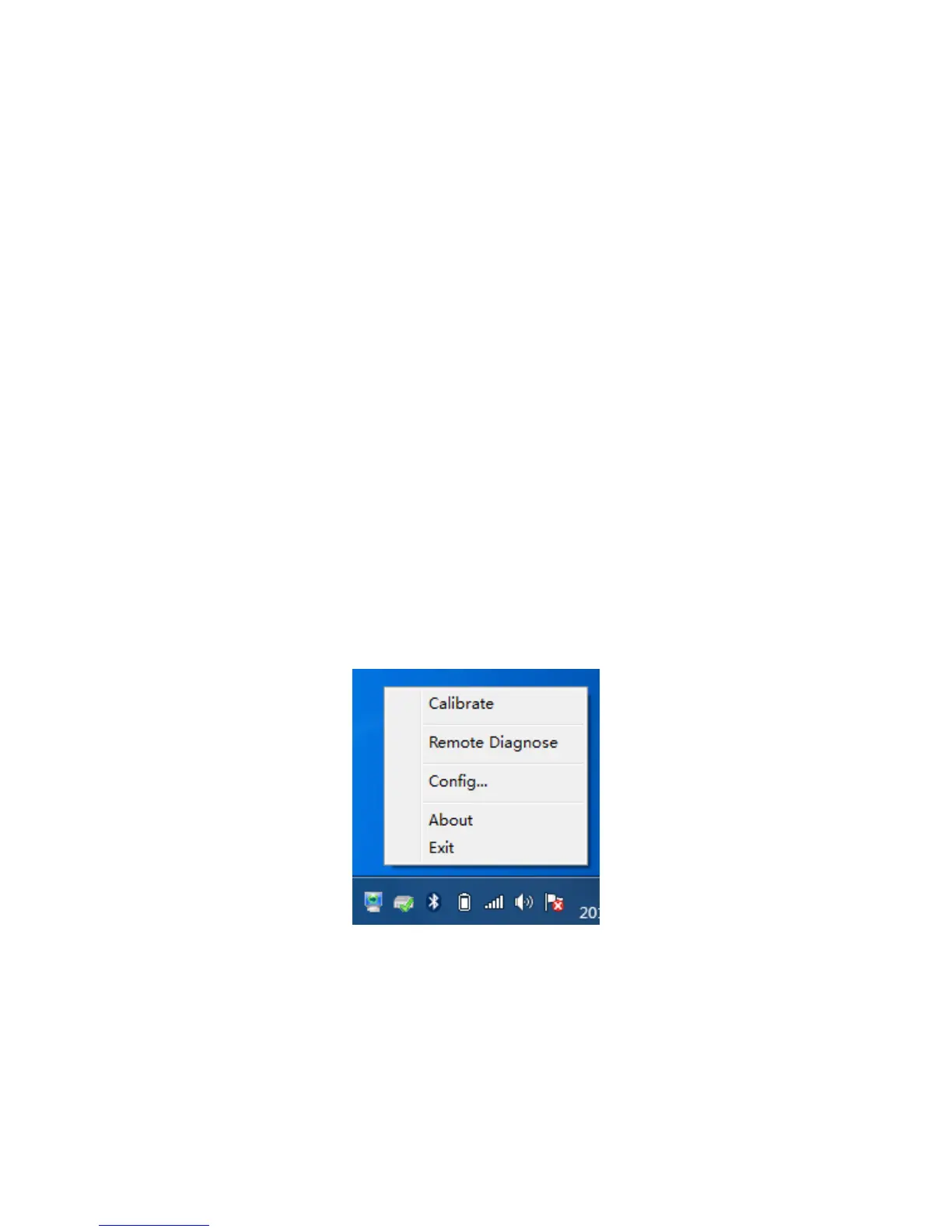
2. Click the handwriting drive icon on the right bottom of the panel to show the
following image



 To Next Page