41
4. File
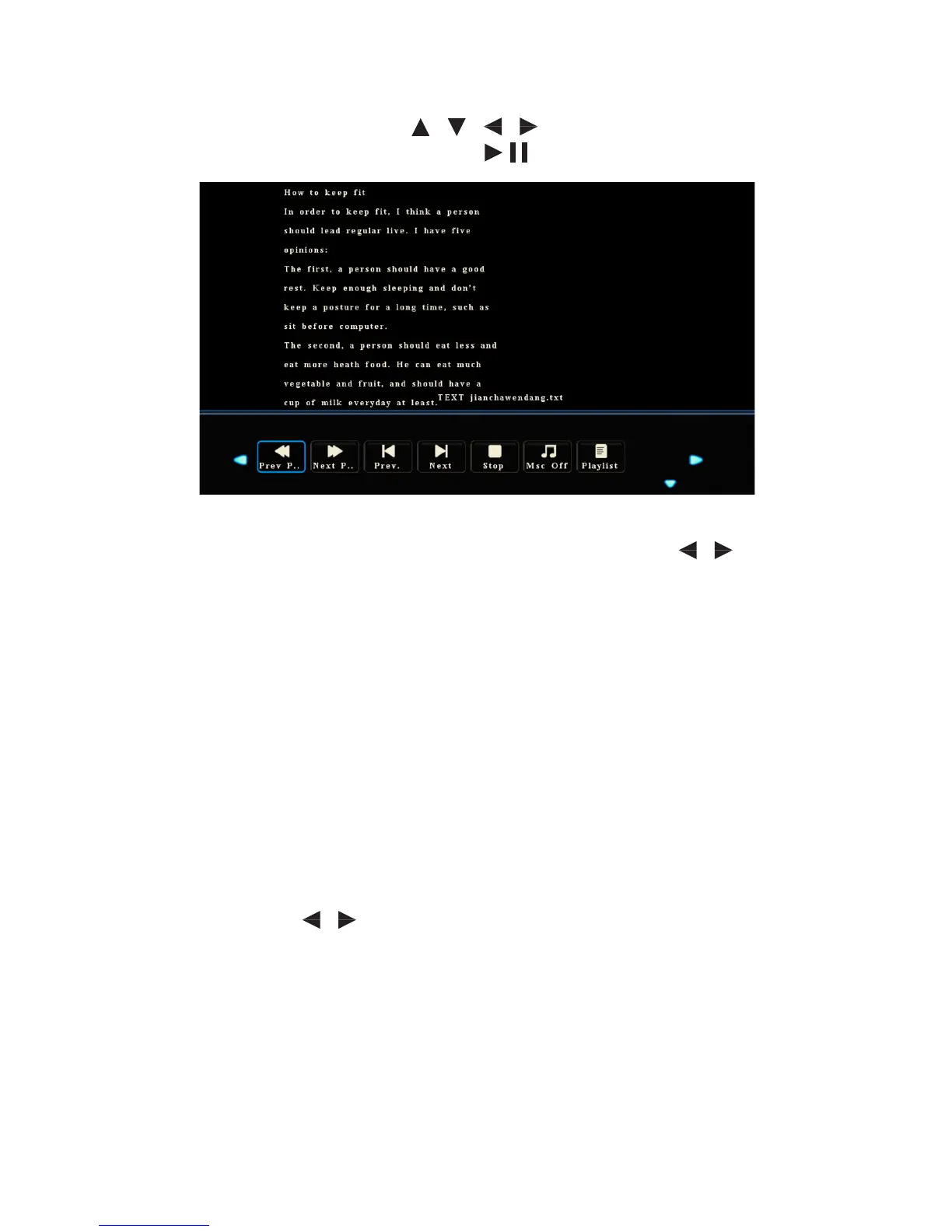
After you enter File option, press / / / to select les to be displayed.
Press OK to select or de-select a le. Press to start or stop displaying.
• Press Show Info to show the operation function menu. Press / to select a
function and press OK to use the function.
(The functions include: Previous Page, Next Page, Previous, Next, Music O, and
Playlist).
• Press Quit to stop playing.
Eco Mode
Press ECO on the remote controller to enter the ECO mode (Standard-ECO-Auto).
Hold the button to switch between the three modes.
• Under the ECO mode, the display will darken.
• Under the Auto mode, the display will automatically adjust the backlight
according to the intensity of light from the environment. When the
surrounding light is strong, the screen will bright up. When the surrounding
light is weak, the screen will darken.
• Under the Standard mode, you can select the Backlight item on the Image
menu and press / to adjust the backlight.
Note: To save energy, please switch o the panel when it is idle. You can also lower
the brightness of the display to decelerate the consumption of power.



 To Next Page