22
6. Menu Disappear Timer
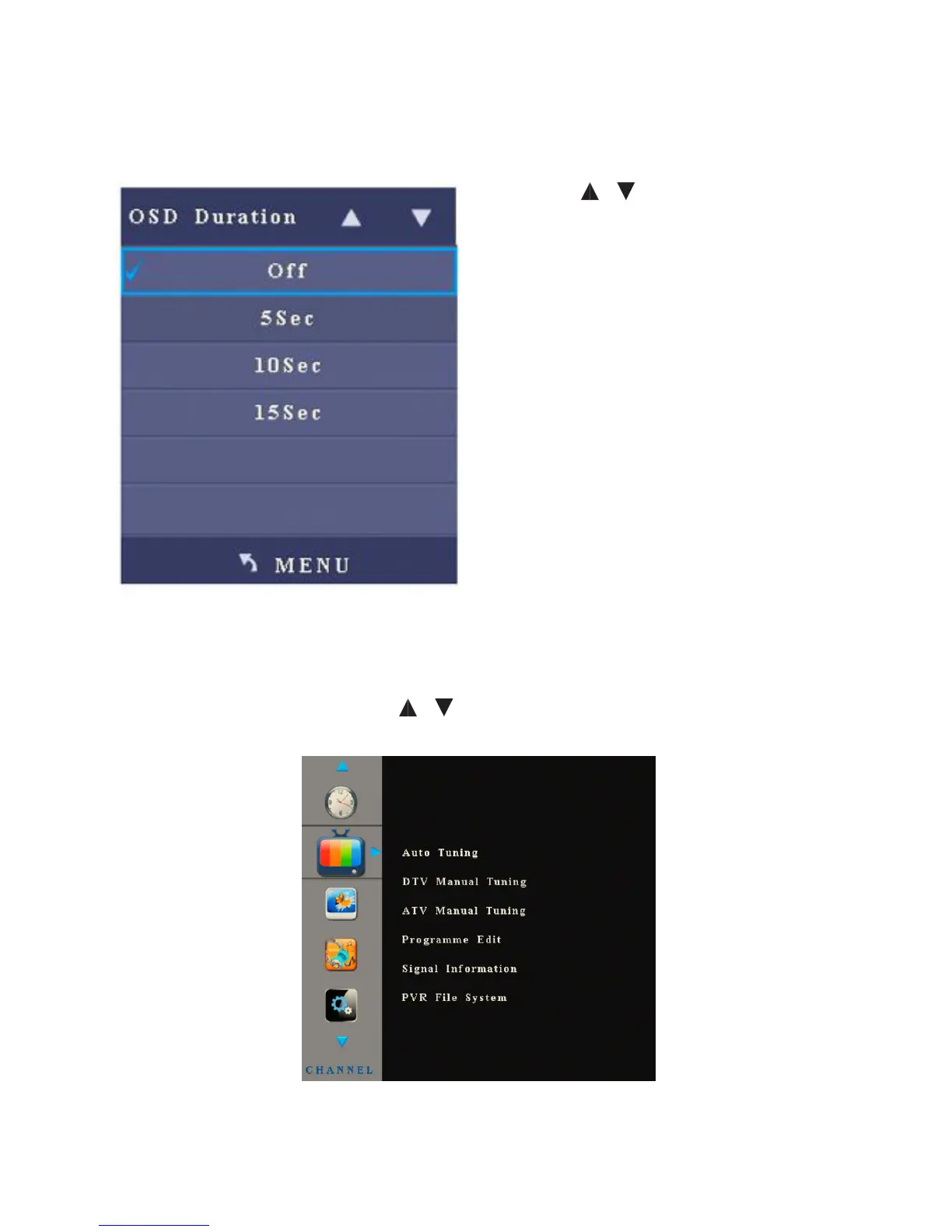
After you enter the Menu Disappear Timer sub-menu, the interface shows options
including O, 5s, 10s and 15s.
• Press / to select an item.
• Press Menu to return to the parent
menu
Channel
After you enter the Channel menu, the interface shows options including Auto
Search, Digital Manual Search, Analogue Manual Search, Channel Edit, Signal
Info, and File Burning Sys. Press / to select an item and OK to enter the
sub-menu.
Note: The Channel menu is only eective when the signal source is TV.



 To Next Page