21
4. Sleep Timer
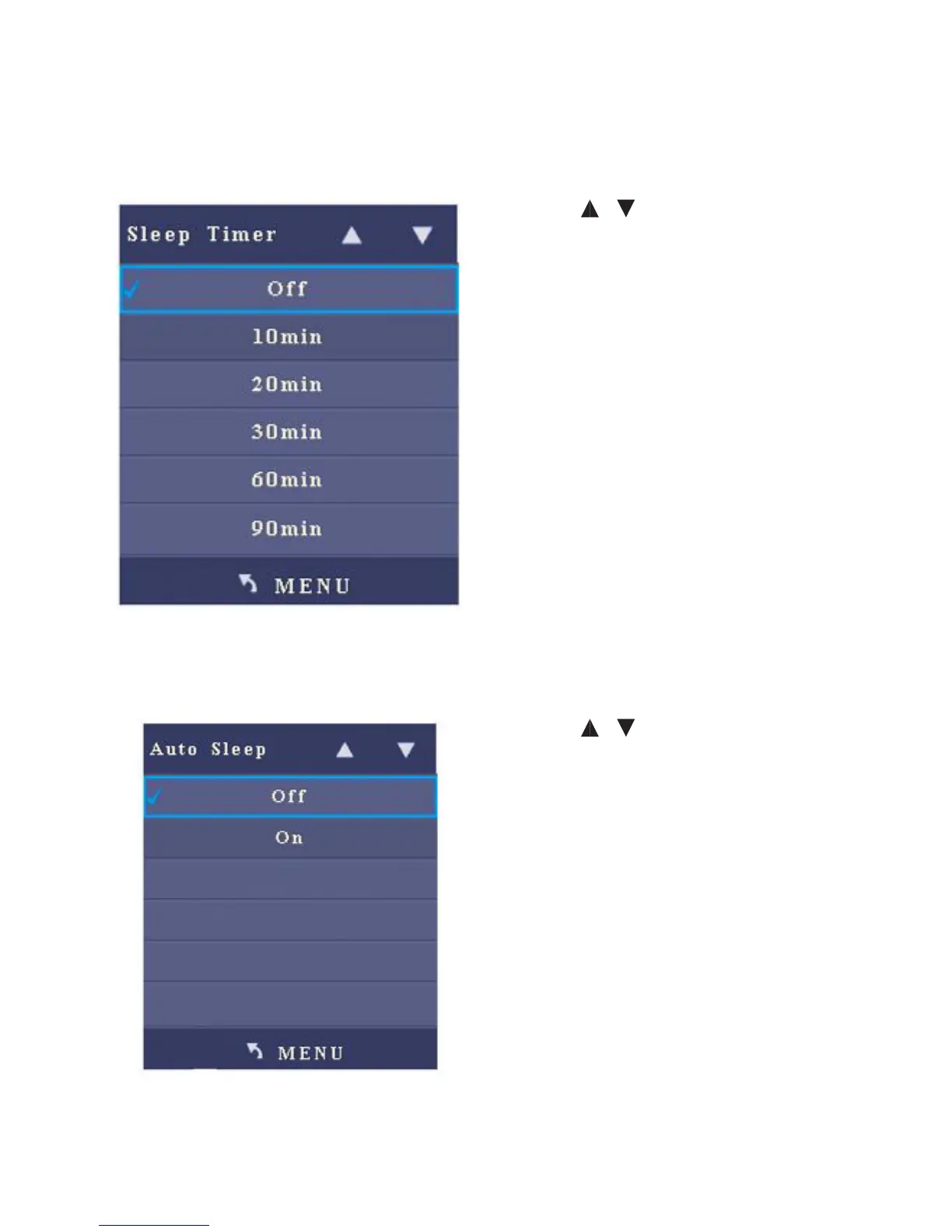
After you enter the Sleep Timer sub-menu, the interface shows O, 10 min, 20 min.
30min, 60 min, 90 min, 120 min, 180 min, and 240 min.
• Press / to select an item.
• Press Menu to return to the parent
menu
• Press Quit to exit the menu
5. Auto Sleep
After you enter the Auto Sleep sub-menu, the interface shows On and O options.
• Press / to select an item.
• Press Menu to return to the parent
menu
• Press Quit to exit the menu



 To Next Page