20
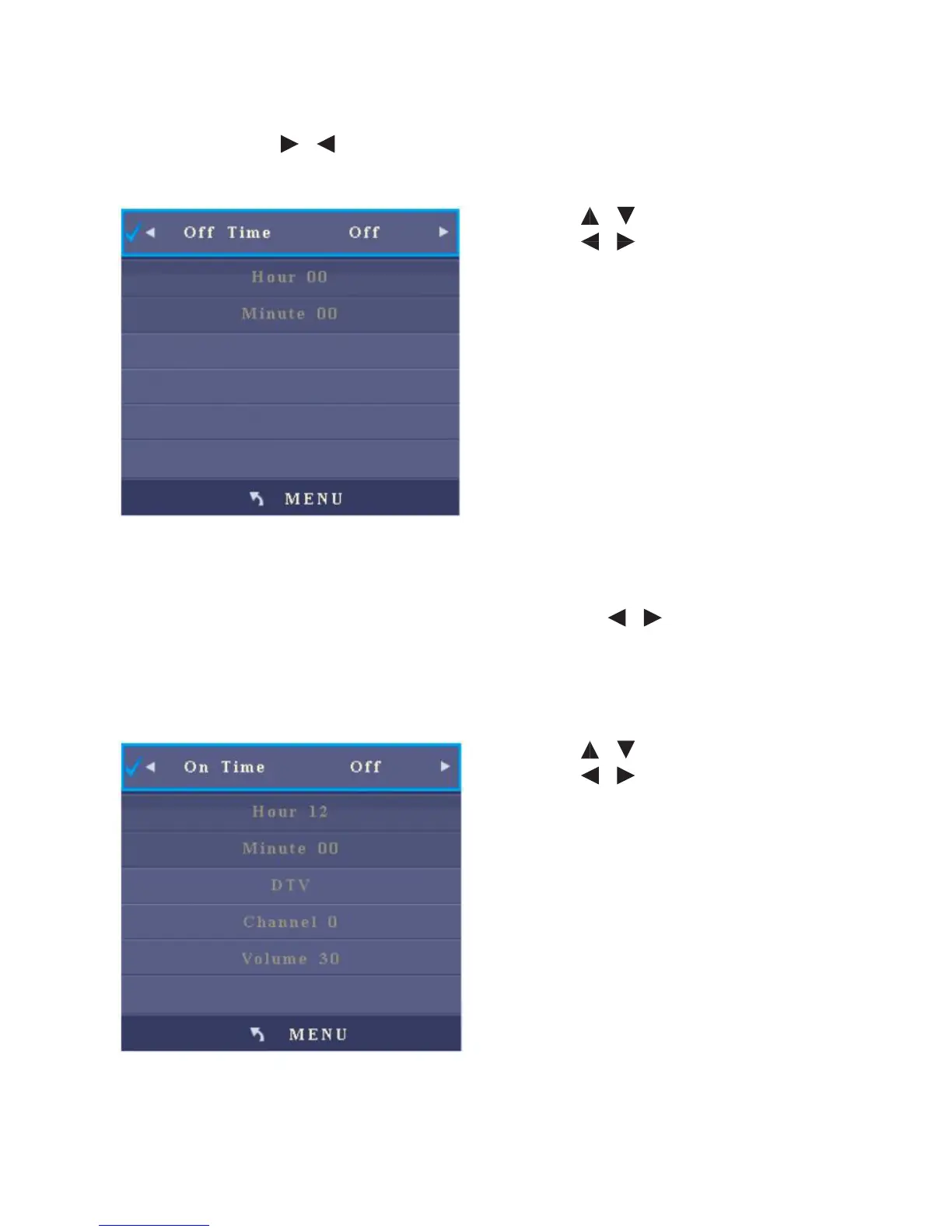
2. O Time
After you enter the O Time sub-menu, the interface will show items including hour
and minute. Press / to change the o time mode: Once, Everyday, Monday
to Friday, Monday to Saturday, Saturday and Sunday, Sunday and O.
• Press / to select an item.
• Press / to adjust the value of
the selected item.
• Press Menu to return to the parent
menu
• Press Quit to exit the menu
3. On Time
After you enter the On Time sub-menu, the interface will show items including
hour, minute, signal source, program, and volume. Press / to change the on
time mode: Once, Everyday, Monday to Friday, Monday to Saturday, Saturday
and Sunday, Sunday and O.
• Press / to select an item.
• Press / to adjust the value of
the selected item.
• Press Menu to return to the parent
menu
• Press Quit to exit the menu



 To Next Page