28
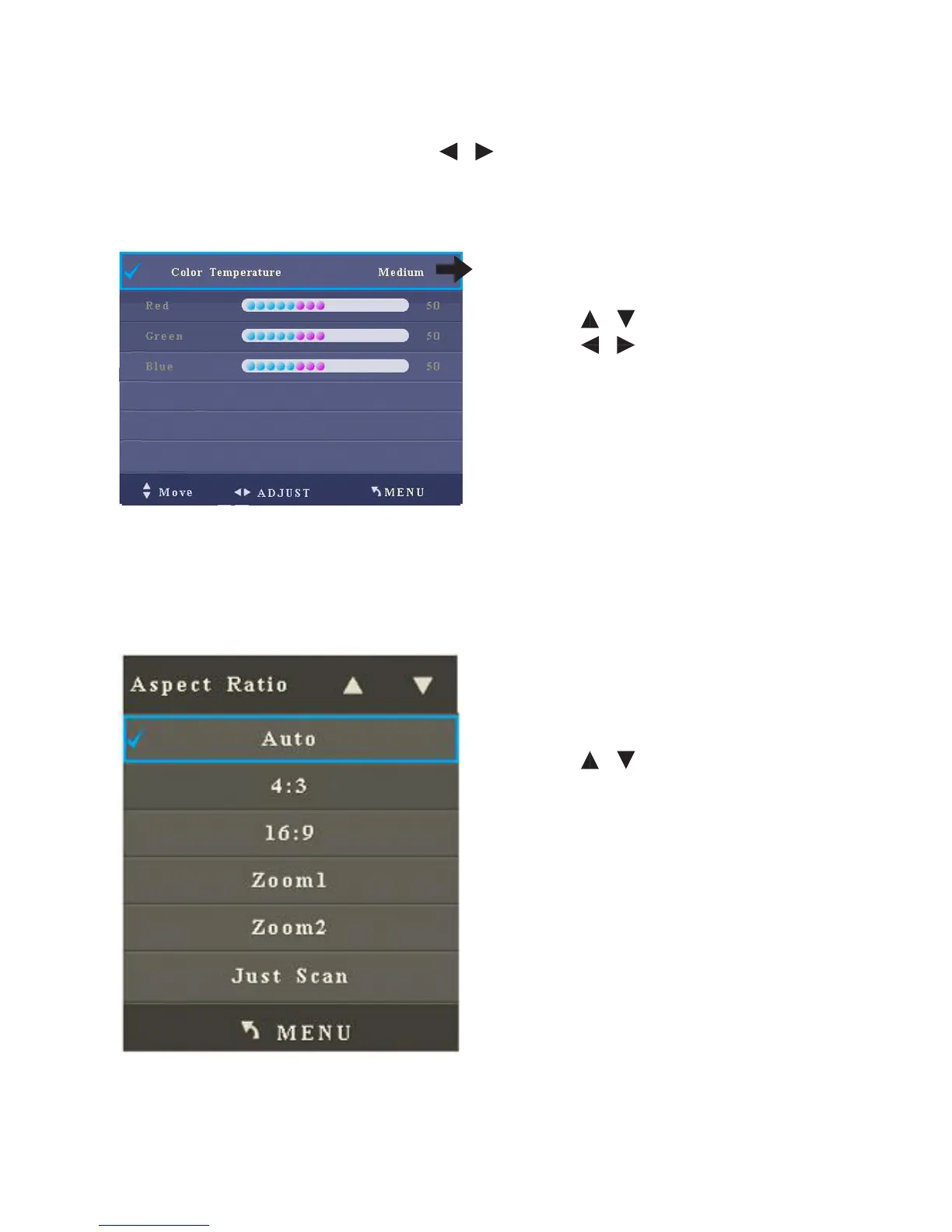
2. Colour Temperature
When you enter the Colour Temperature sub-menu, the interface shows options
including Red, Green and Blue. Press / to choose Standard, Warm, User or
Cold.
• Press / to select an item.
• Press / to adjust the value of
the selected item.
• Press Quit to return to the parent
menu.
• Press Quit to exit the menu.
When the colour temperature mode is
User
3. Aspect Ratio
After you enter the Aspect Ratio sub-menu, the interface shows options including
Auto, 4:3, 16:9, Zoom 1, Zoom 2, Full, Just Scan.
• Press / to select an item.
• Press Menu to return to the parent
menu.
• Press Quit to exit the menu.
Note: Adjustable options may vary under dierent signal sources.



 To Next Page