33
Setting
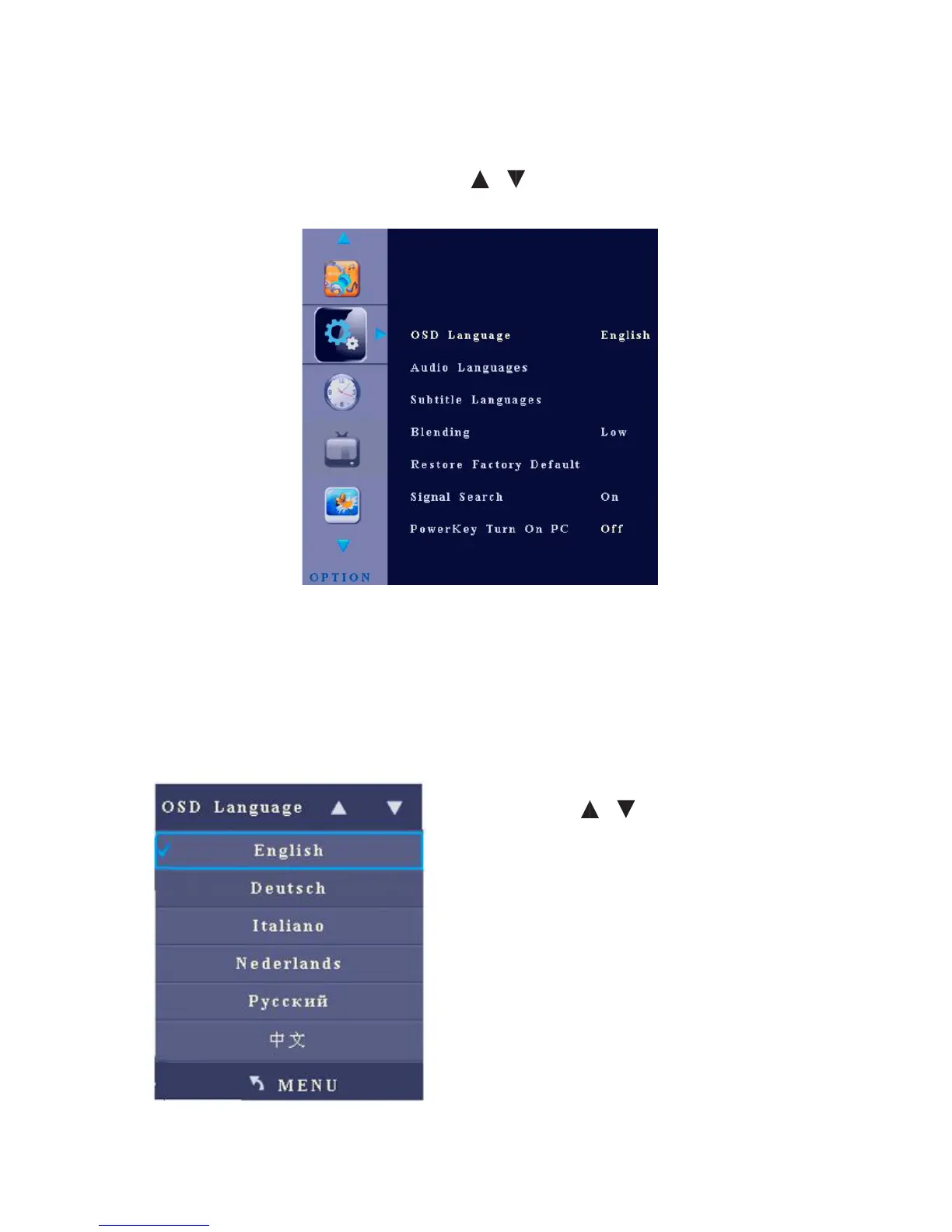
After you enter the setting menu, the interface shows options including OSD
Language, Audio Track, Subtitle, Blending, Restore to Factory Default, Signal
Search and Power Key Turn On PC. Press / to select an item and OK to enter
the sub-menu.
1. OSD Language
After you enter the OSD Language sub-menu, the interface shows options
including Chinese and English.
• Press / to select an item.
• Press Menu to return to the parent
menu.
• Press Quit to exit the menu.



 To Next Page