32
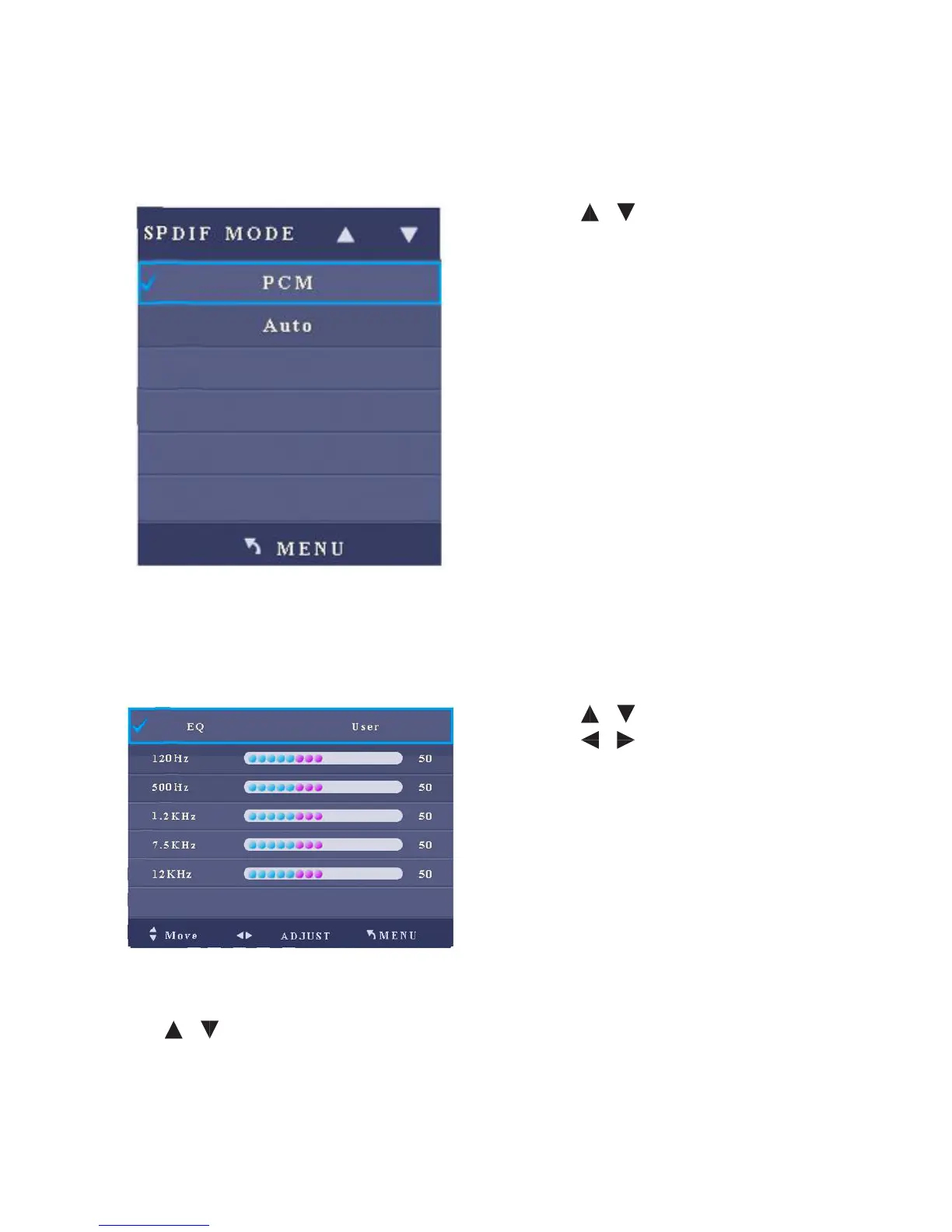
4. SPDIF Mode
After you enter the SPDIF Mode sub-menu, the interface shows options including
PCM and Auto.
• Press / to select an item.
• Press Menu to return to the parent
menu.
• Press Quit to exit the menu.
5. EQ
After you enter the EQ sub-menu, the interface shows options including 120Hz,
500Hz, 1.2KHz, 7.5KHz and 12KHz. When the balance mode is set to User:
• Press / to select an item.
• Press / to adjust the value of
the selected item.
• Press Menu to return to the parent
menu.
• Press Quit to exit the menu.
6. Listen Without Display
Press / to switch to Listen Without Display (OFF) option. Press OK and the
screen turns black. Press any button on the remote controller under the Listen
Without Display mode to restore to the normal mode.



 To Next Page