18
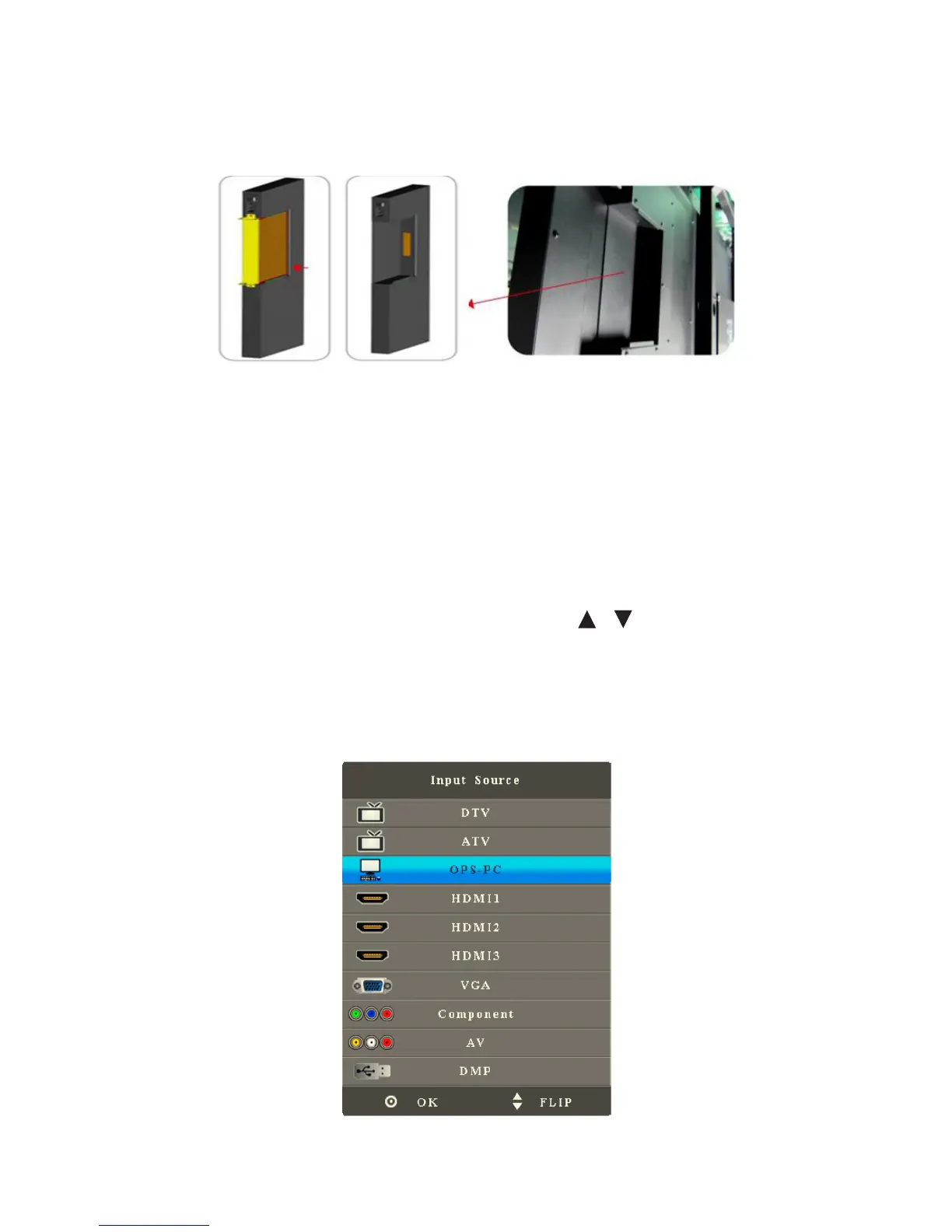
Assemble OPS Computer
Insert OPS computer into the slot and fasten it with two M4 screws on the left and
right.
Note:
The OPS computer is not plug-and-play. Disconnect the interactive panel from the
power before inserting the OPS computer.
Select Signal Channel
Press Source to show the list of signals sources. Press / to select an option
and press OK to enter the sub-menu. After signal search is ON, when the interactive
panel is started or there is no signal, the interactive panel will automatically search
and switch signal sources. The signal source searching scope and priority sequence
is: PC, HDMI1, HDMI2, HDMI3, YPBPR, AV.



 To Next Page