17
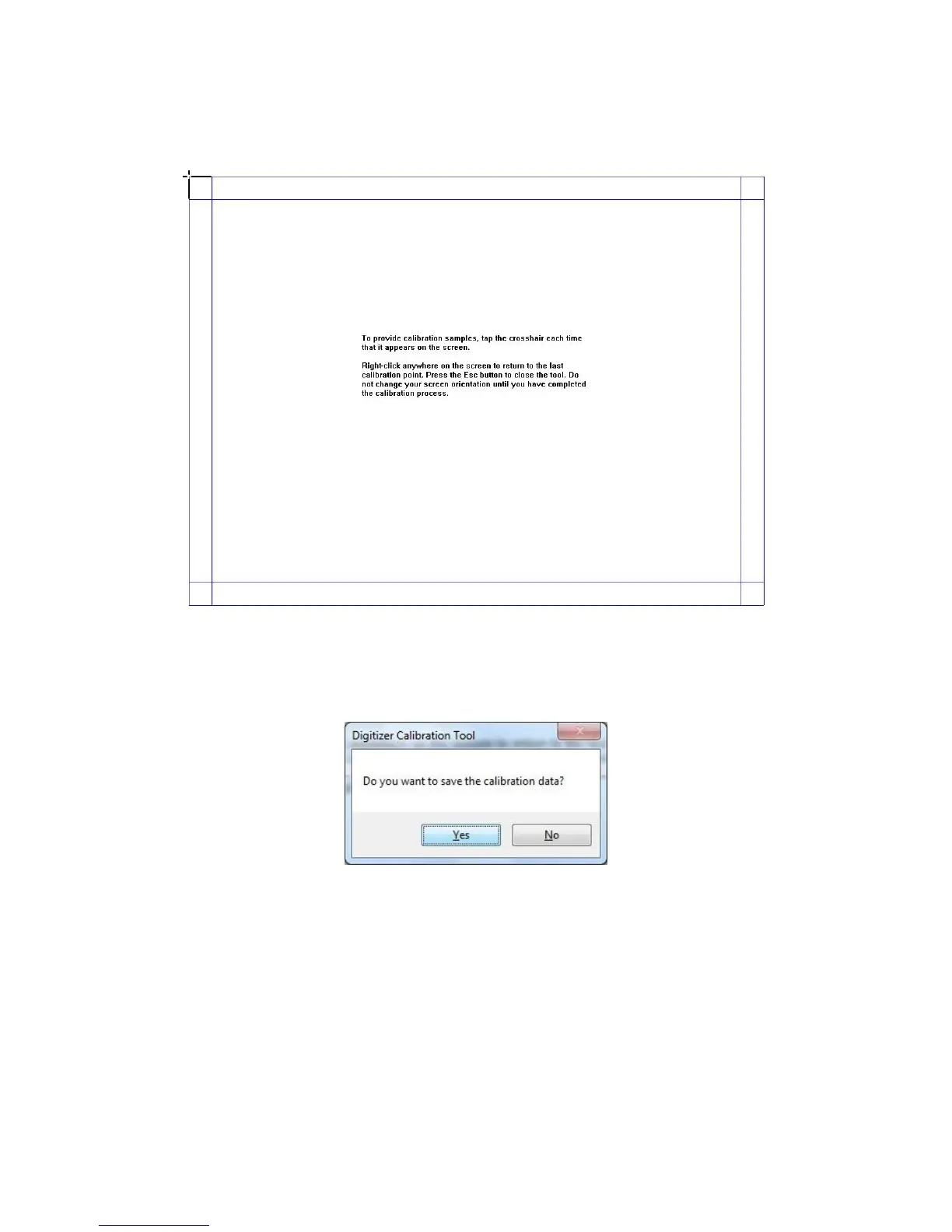
Use the pen to click and hold the center of the ickering cross. Do not release
it until the ickering cross moves to the next calibration point. Complete the
calibration process as instructed.
Click Yes after it completes.
• To ensure the handwriting accuracy, use the pen provided together with the
interactive panel rather a nger to perform calibration.
• Calibration errors may cause failures in touch functions of the interactive panel.
In that case, please perform calibration again.
• Tap ESC on the keyboard during the calibration process to cease calibration.
• The calibration interface varies between dierent software versions. Please
follow instructions provided on the actual interface.
Hits & Tips



 To Next Page