9
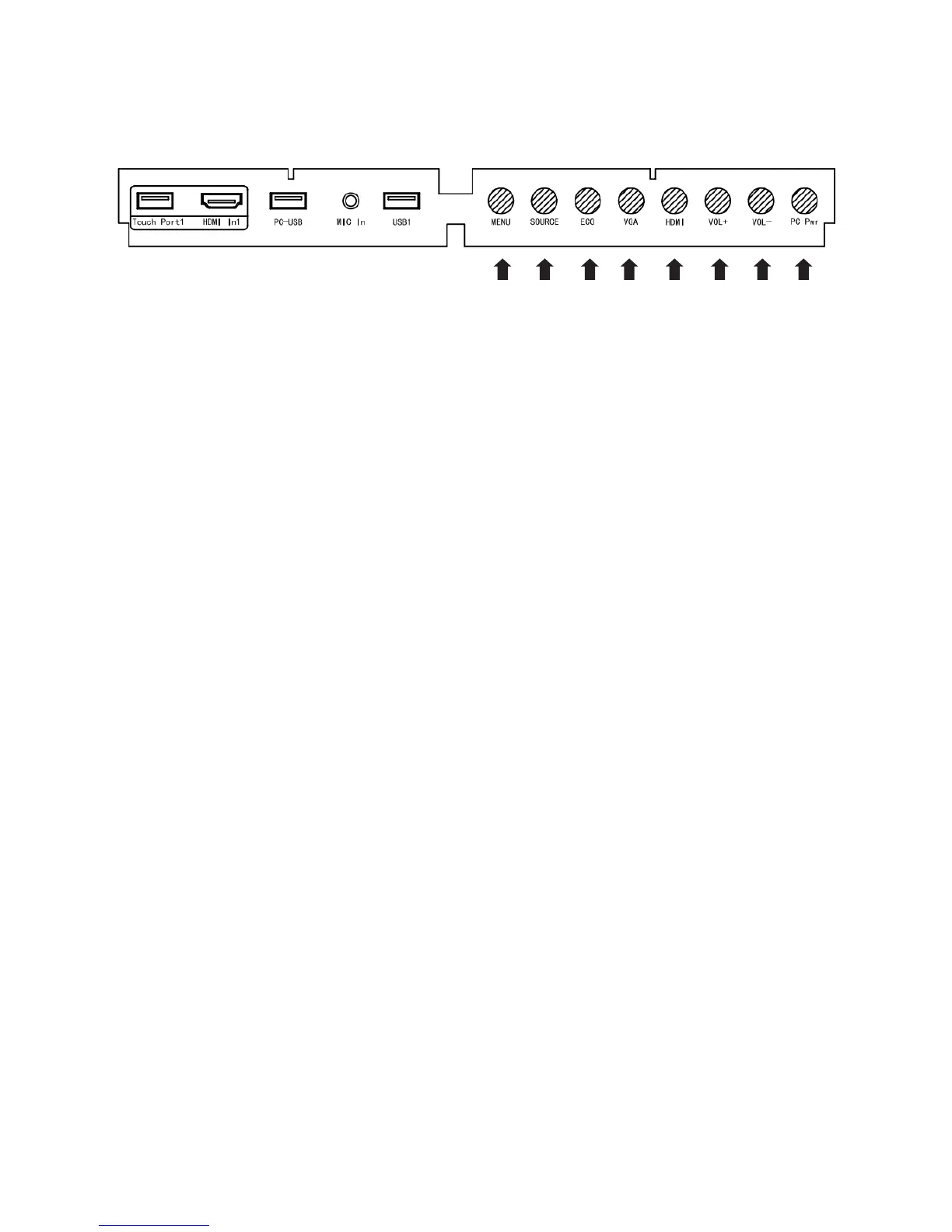
Control Panel
1 2 3 4 5 6 7 8
1. Menu: Enter/quit the menu
2. Source: Show or exit from the signal source menu
3. Eco: Switch to ECO mode
4. VGA: Switch to VGA input signal
5. HDMI: Switch to HDMI input signal
6. Vol+: Increase the volume
7. Vol-: Decrease the volume
8. PC Power: Turn on/o the OPS computer
9. Touch port 1 only supports 2m USB cable



 To Next Page