31
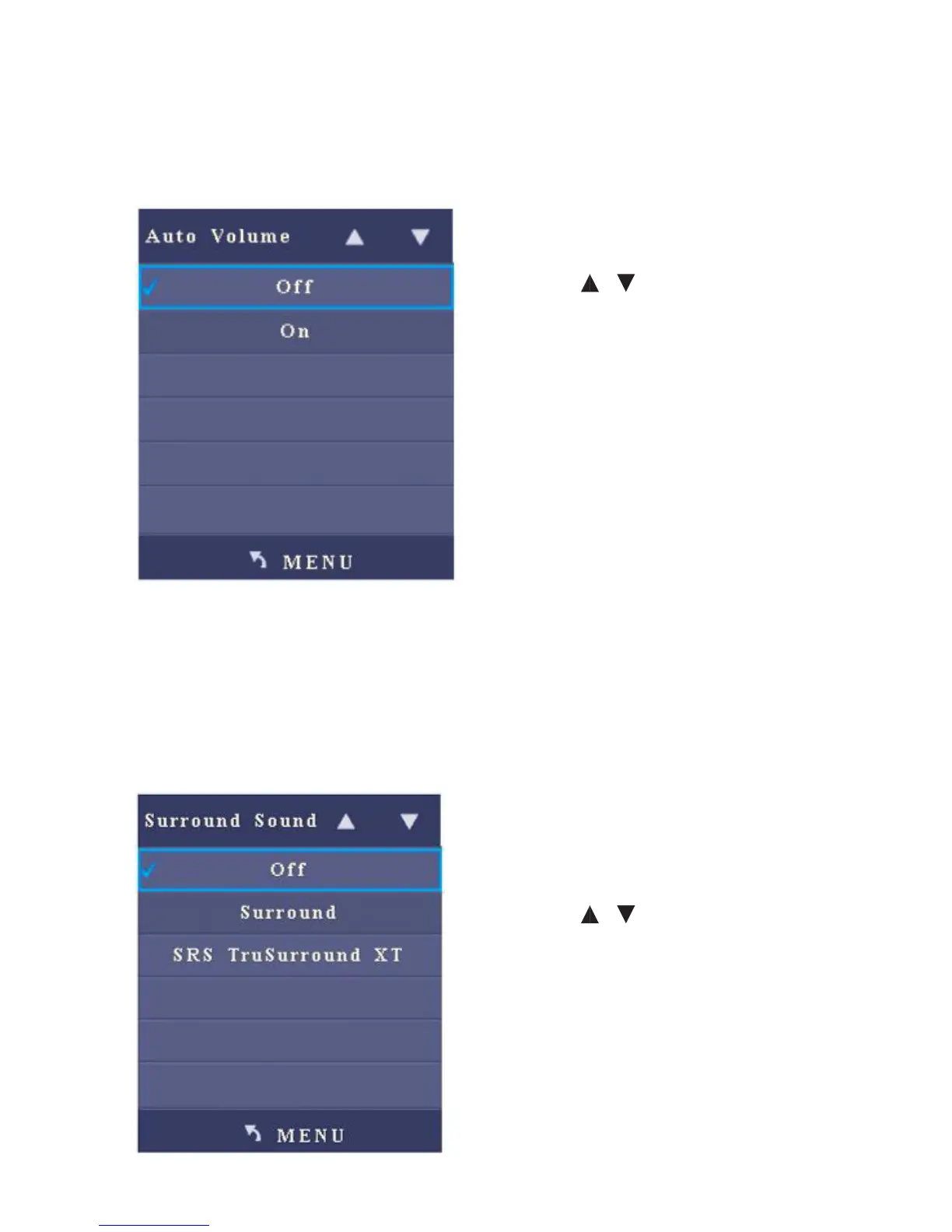
2. Auto Volume
After you enter the Auto Volume sub-menu, the interface shows On and O
options. .
• Press / to select an item.
• Press Menu to return to the parent
menu.
• Press Quit to exit the menu.
3. Surround
After you enter the Surround sub-menu, the interface shows options including O,
Surround and SRS TruSurround XT.
• Press / to select an item.
• Press Menu to return to the parent
menu.
• Press Quit to exit the menu.



 To Next Page