29
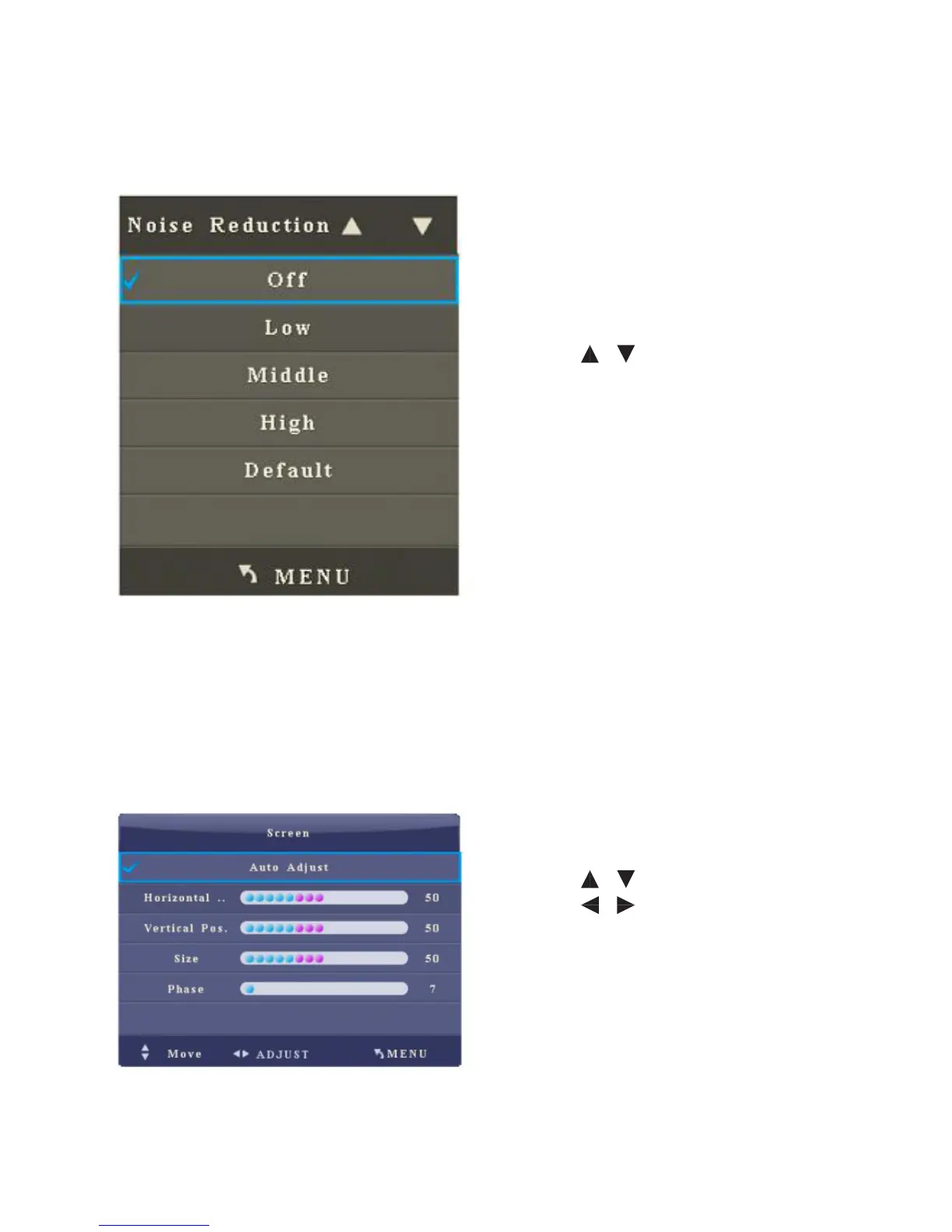
4. De-noise
After you enter the De-noise sub-menu, the interface shows options including O,
Low, Middle, High and Default.
• Press / to select an item.
• Press Menu to return to the parent
menu.
• Press Quit to exit the menu.
5. PC Setting
After you enter the PC setting sub-menu, the interface shows options including
Auto ADJ, Line Position, Field Position, Size and Phase. When Auto ADJ is selected,
press OK to automatically adjust the window. The brighter the surrounding is, the
more accurate the automatic adjustment will be.
• Press / to select an item.
• Press / to adjust the value of
the selected item.
• Press Menu to return to the parent
menu.
• Press Quit to exit the menu.
Note: The option is only eective when the signal source is PC.



 To Next Page