35
5. Restore to Factory Default
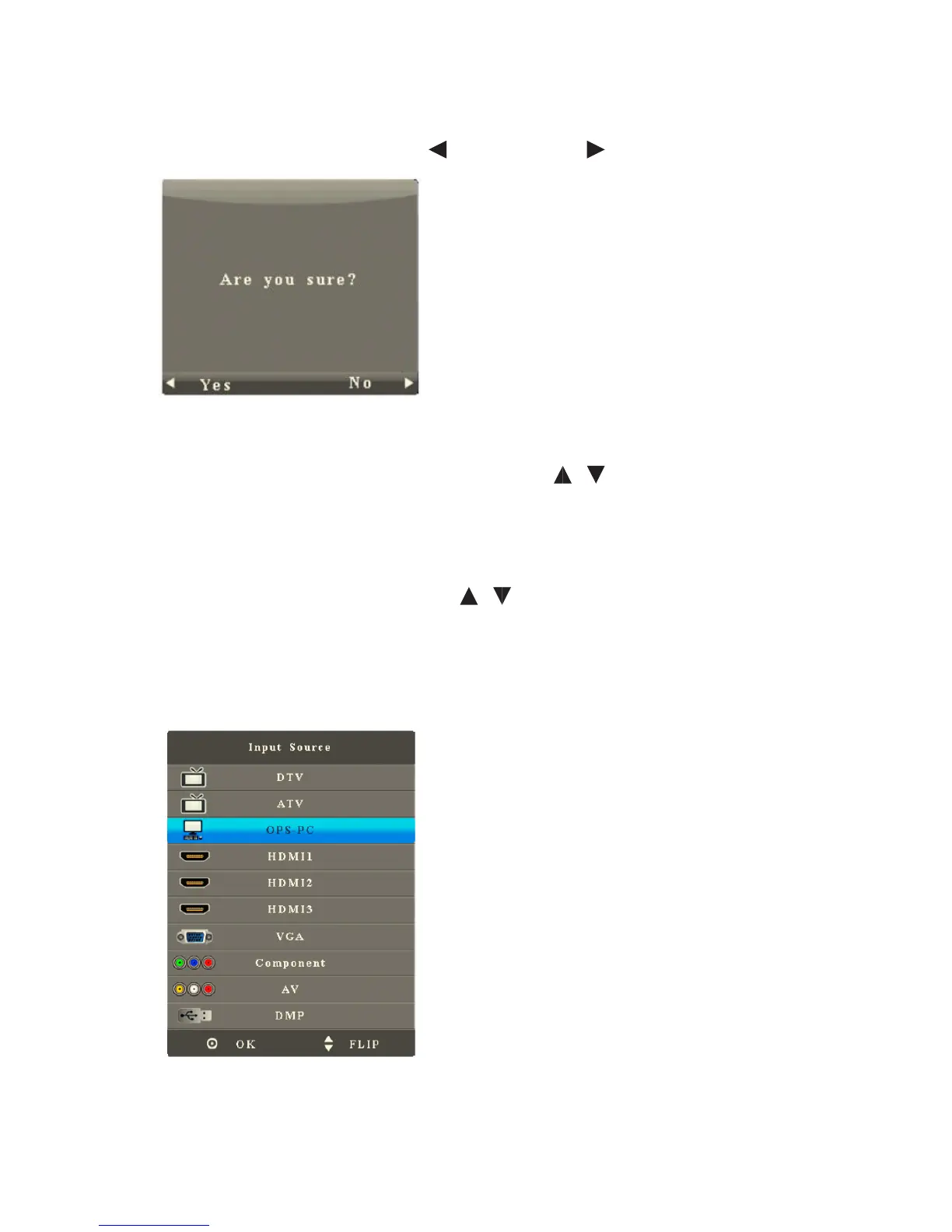
After you enter the Restore to Factory Defualt sub-menu, the interface shows
options including Yes and No. Press to reset it and to quit.
6. Signal Search
After you enter the Signal Search sub-menu, press / to select the signal search
item. Press OK to enable or disable signal search. When it is On, it will automatically
search for signals.
7. One-Key Start
After you enter the Setting menu, press / to select the signal search item. Press
OK to enable or disable One-Key Start.
When it is On, the OPS computer will be started or shut down when the interactive
panel is started or shut down.
(Press Signal Source and the list of signal sources shows OPS Computer.)
When it is O, the OPS computer will not be started when the interactive panel
is started. (Press Signal Source and list of signal sources does not show OPS
Computer.)



 To Next Page