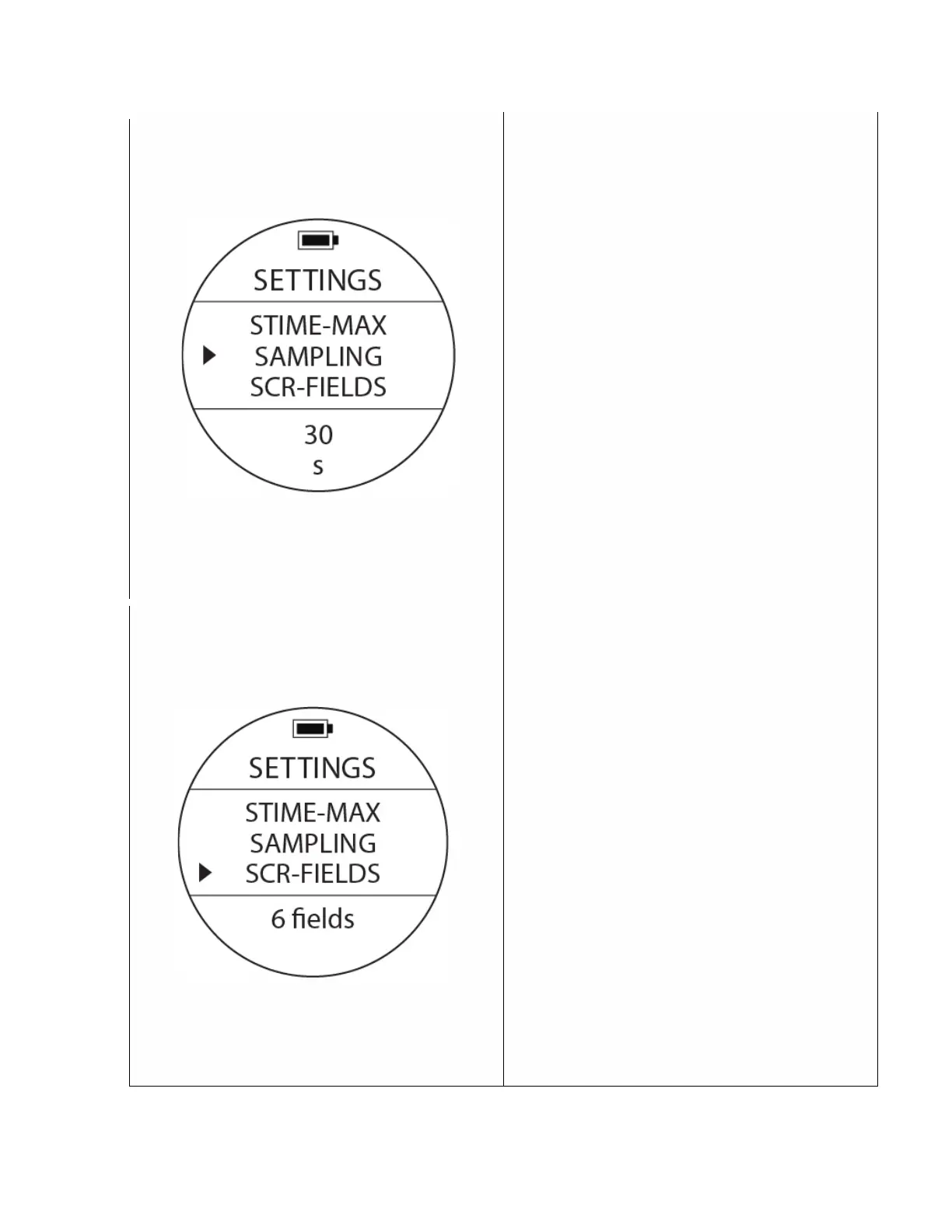
Data Sampling
To access:From SETTINGS, press the UP or DOWN
buttons until the pointer aligns with SAMPLING.
Press the MODE button once.
One of the sampling options will be blinking at the
bottom. Press the Up or Down buttons to select
other sampling options as needed. Press the
MODE button to accept your selection.
Note: Sampling means how often the computer
will be collecting (or ‘sampling’) depth/time
events and record them within a data base within
the memory. A longer sampling rate time will
provide less accuracy but will also use less
memory while a shorter sampling rate will
produce a more detailed graph but more memory
will be used. The Centauri will hold around 500
logs at a 10s sampling rate.
Screen Fields – Scuba Mode
To access:From SETTINGS, press the UP or DOWN
buttons until the pointer aligns with SCR-FIELDS.
Press the MODE button once.
One of the Screen Fields options will be blinking at
the bottom. Press the Up or Down buttons to
select one of the two options available. 6 Fields or
3 Fields. Press the MODE button to accept your
selection.



 To Next Page