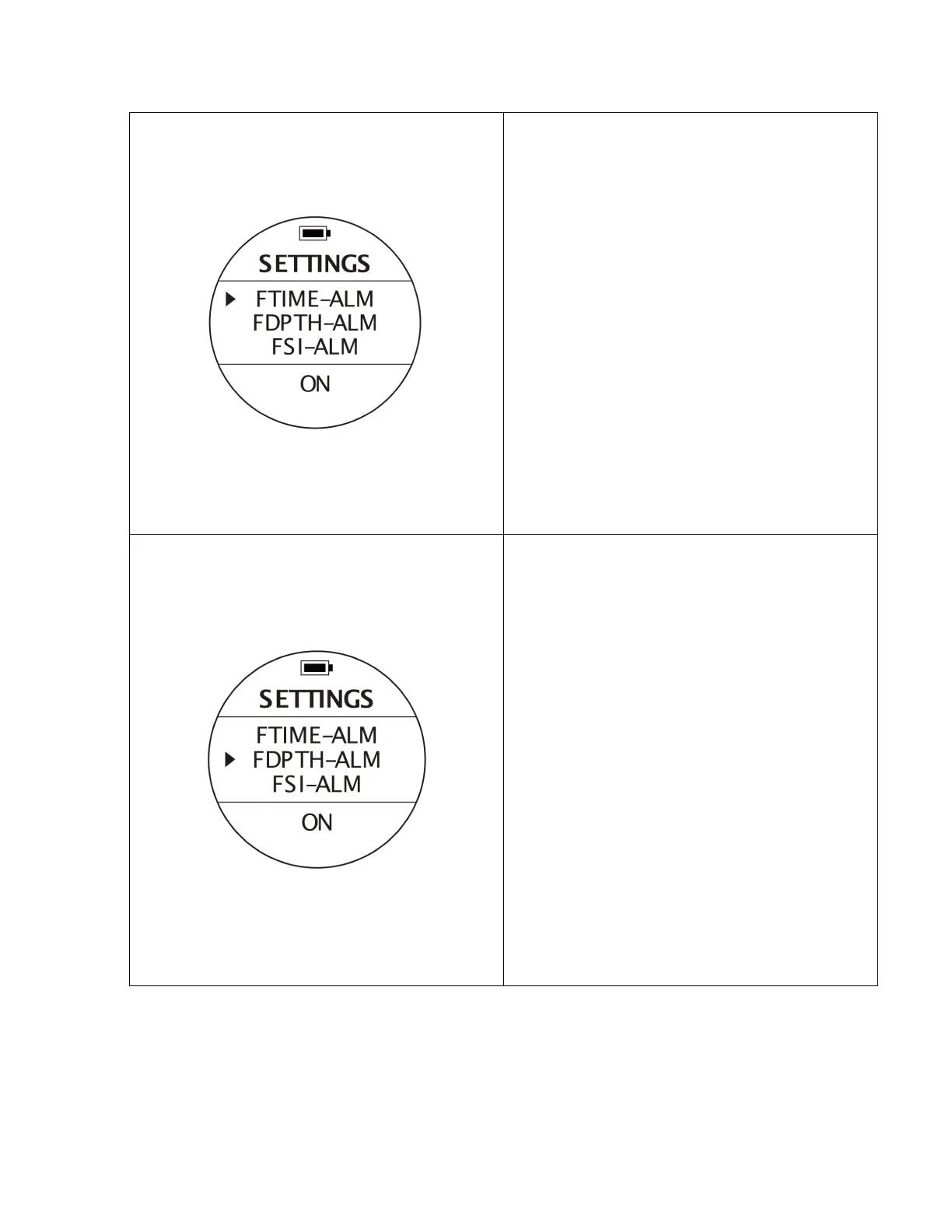
Free Dive Time Alarm - ON/OFF
To access: From SETTINGS, press the UP or DOWN
buttons until the pointer aligns with FTIME-ALM.
Press the MODE button once.
To change values: When you see a blinking option
at the bottom of the screen, use UP or DOWN
buttons to select, then press the MODE button to
confirm and finish the settings. If you set the
FTIME-ALM on, when you reach the preset dive
time, the alarm will activate.
FTIME-ALM
F: Free Dive
TIME: Dive Time
ALM: Alarm
Free Dive Depth Alarm - ON/OFF
To access: From SETTINGS, press the UP or DOWN
buttons until the pointer aligns with FDPTH-ALM.
Press the MODE button once.
To change values: When you see a blinking option
at the bottom of the screen, use UP or DOWN
buttons to select a different option, then press the
MODE button to confirm and finish the settings.
If you set the FDPTH-ALM on, when you reach the
preset depth, the alarm will activate.
FDPTH-ALM,
F: Free Dive
DPTH: Depth
ALM: Alarm



 To Next Page