English
-15-
RECORD MODE
Taking Images
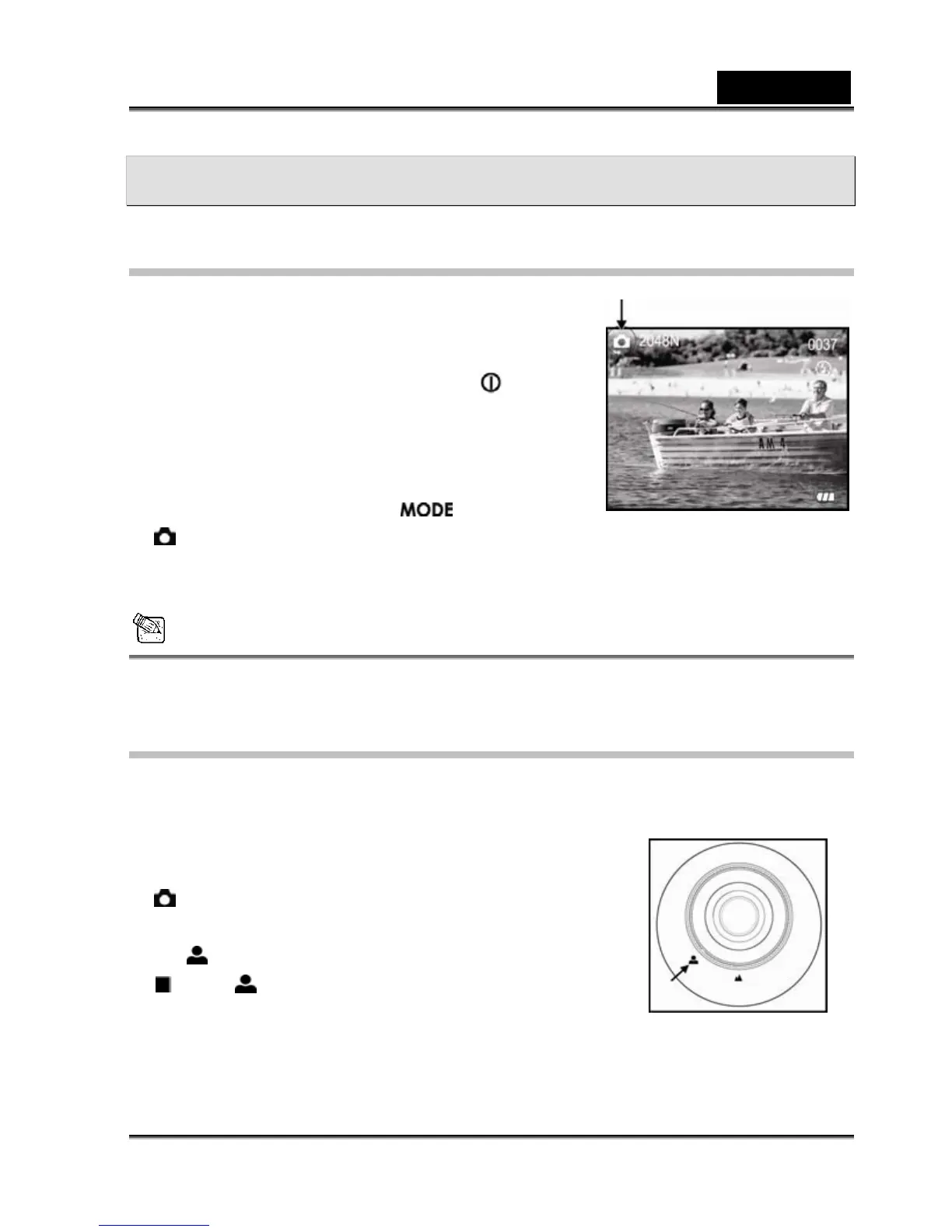
Your camera is equipped with a 1.5" LCD monitor to
compose images.
1. Turn the camera on by pressing the power button.
(The camera will always power-up in still-image record
mode.)
2. If not in record mode, toggle the button to the
mode.
3. Compose your shot on the display screen.
4. Press the shutter button.
NOTE
y The LCD monitor does not work well under direct sunlight and bright light.
Portrait Mode
Taking pictures by selecting the portrait mode will produce an image with a sharp subject and
indistinct background. The effective range of focus is between
0.7 meters and 1.4 meters.
1. Power on the camera. Make sure the camera is in Record
mode.
2. Set the focus dial located on the front side of the camera to
the
position.
The icon appears on the LCD monitor.
3. Compose your scene.
4. Press the shutter button.



 To Next Page